Update your account details as required to ensure your account’s information is accurate.
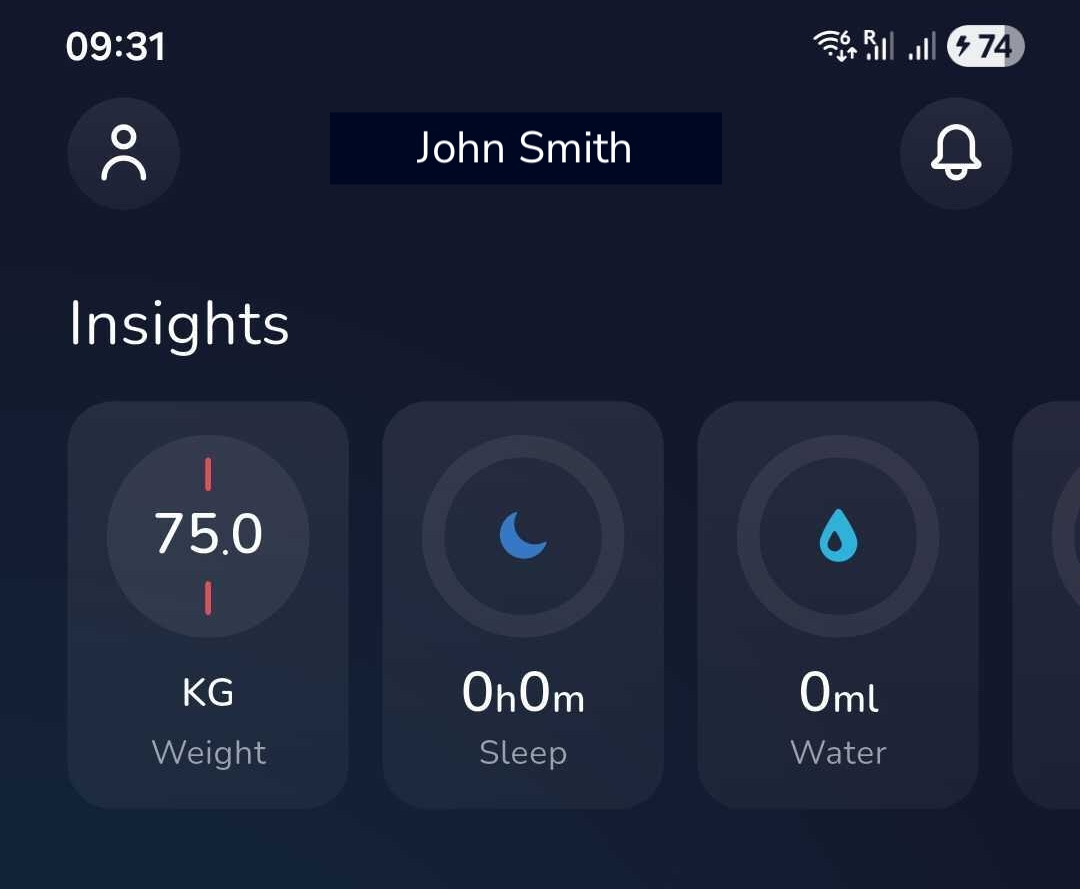
1. Navigate to your settings by clicking on the person icon in the top left corner (to the left of your name).
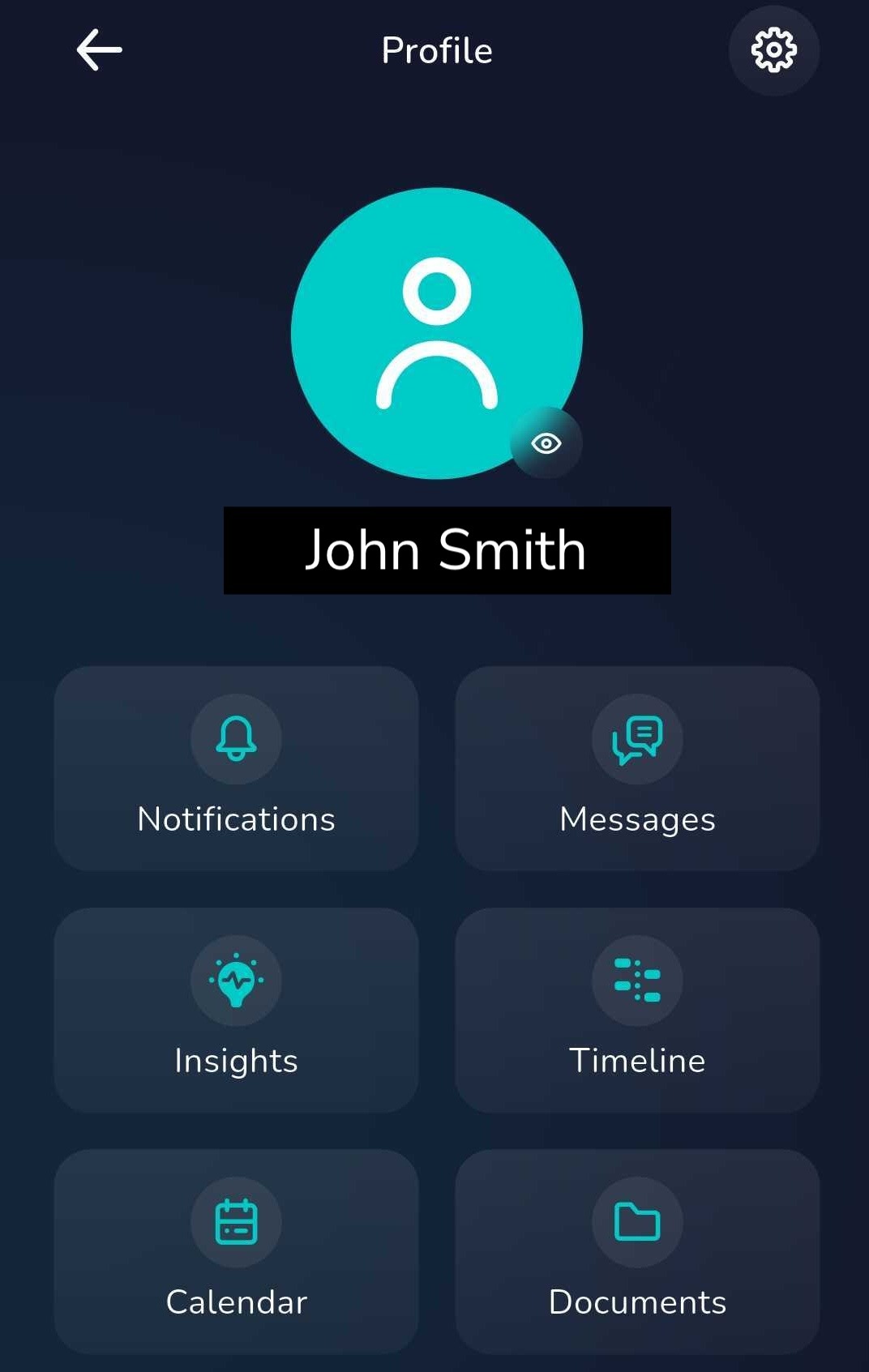
2. select the eye symbol in the bottom right corner of your profile picture to view your profile.
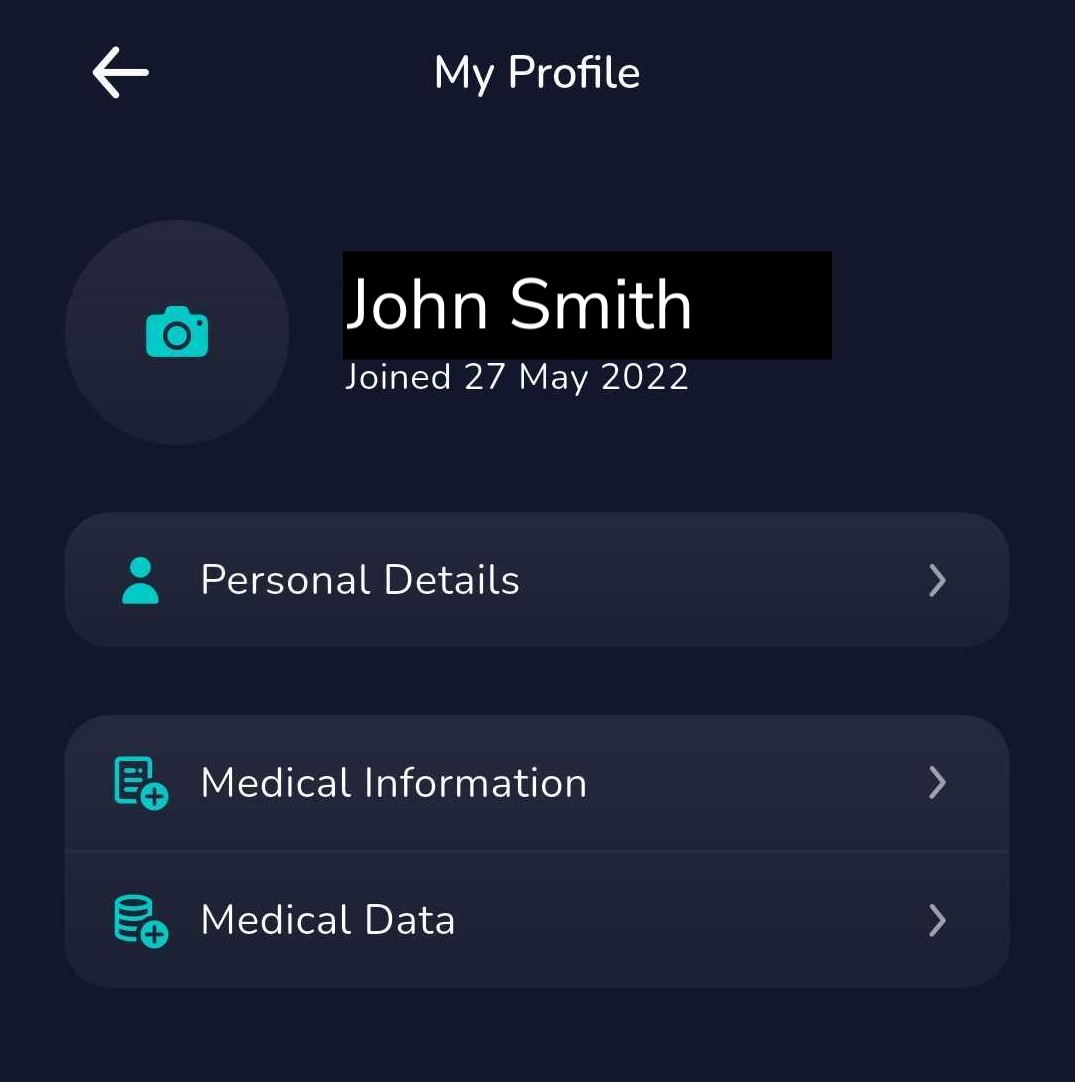
3. Here you can edit your personal details, medical information or add a profile picture (by clicking on the camera icon).
Was this article helpful?
That’s Great!
Thank you for your feedback
Sorry! We couldn't be helpful
Thank you for your feedback
Feedback sent
We appreciate your effort and will try to fix the article