Before logging in you will need to make sure you have created an account or an account has been created for you by a Health and Wellbeing programme provider.
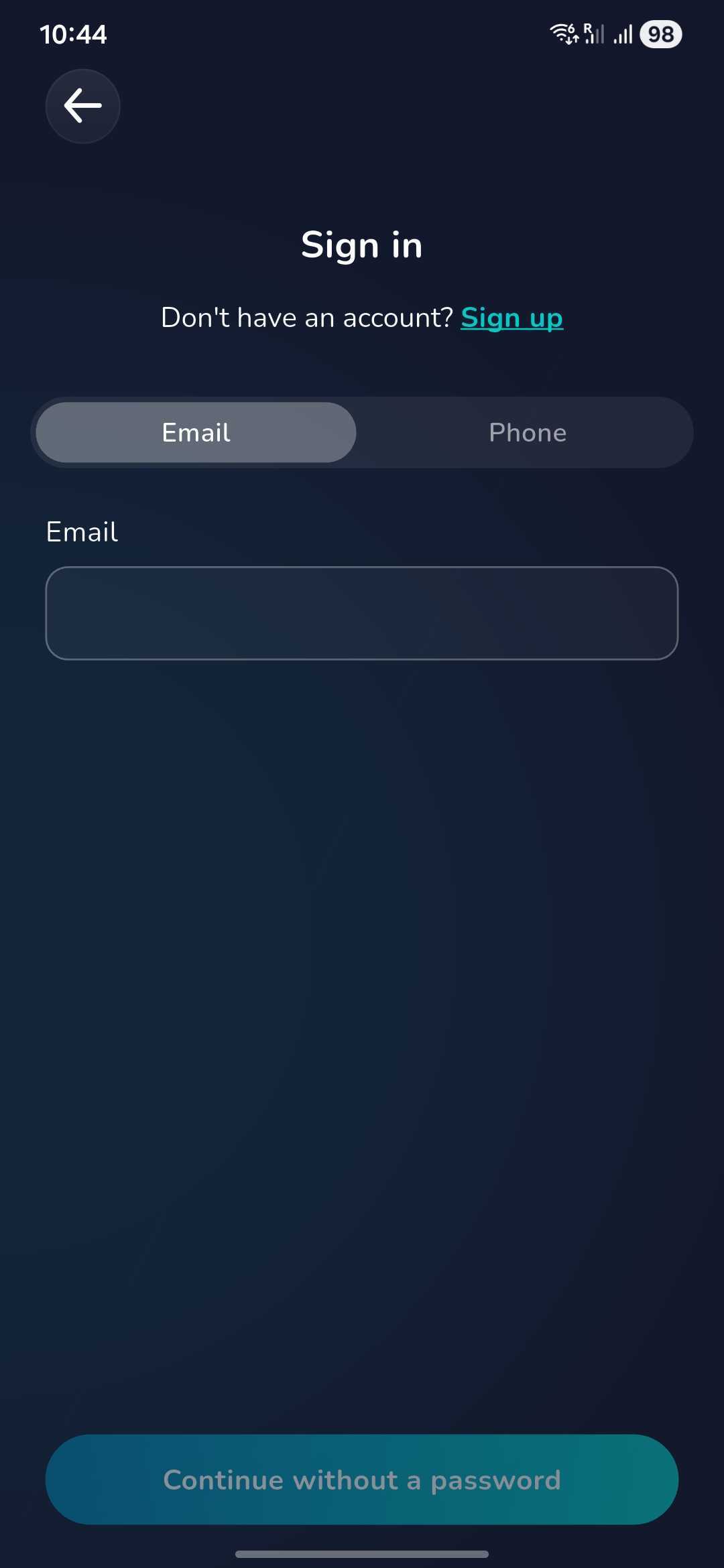
Once you have created an account, to log back in, click 'Sign In'.

Now enter your email or phone number that was used when you created your account and click 'Continue without a password'.
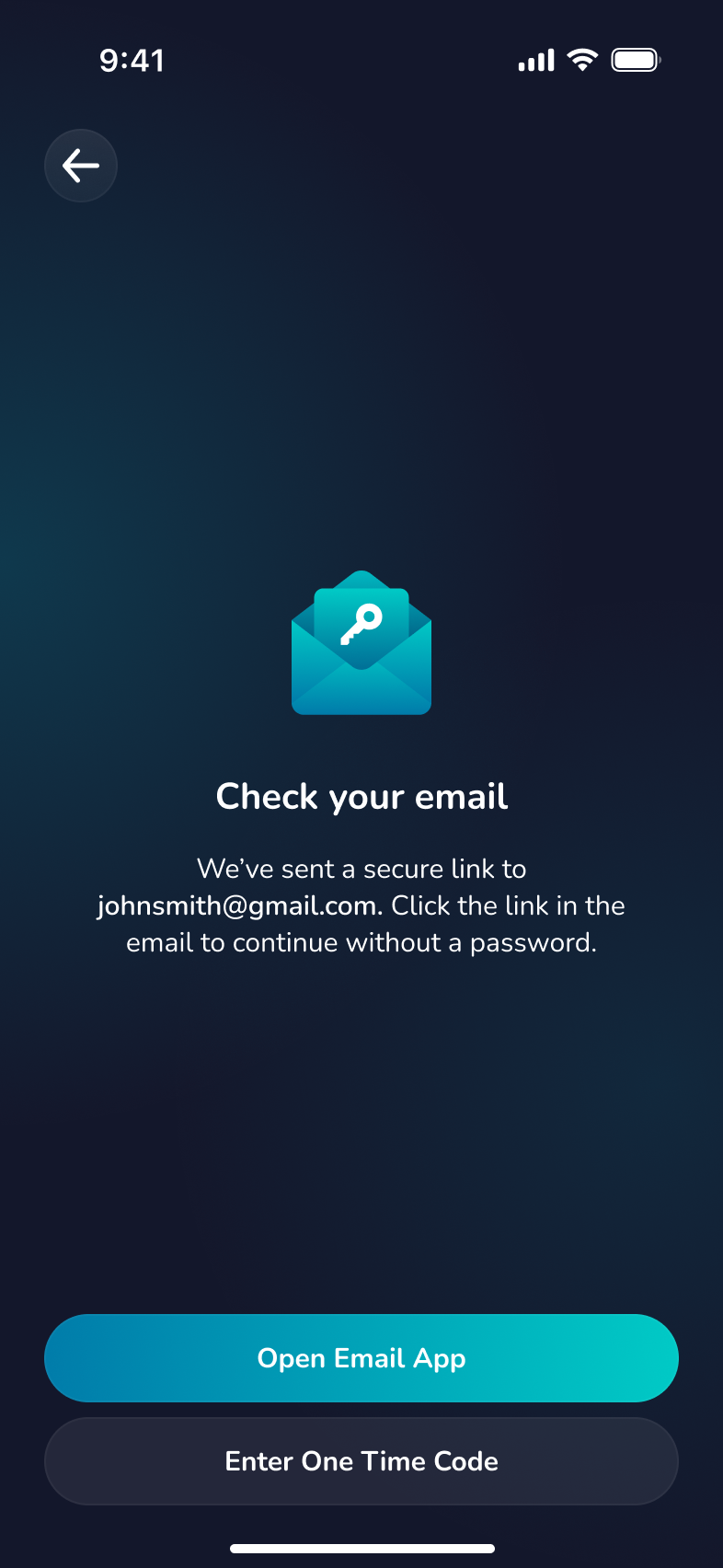
If you login with an email you will have the option to open your email app directly so that you can find the login code/link.
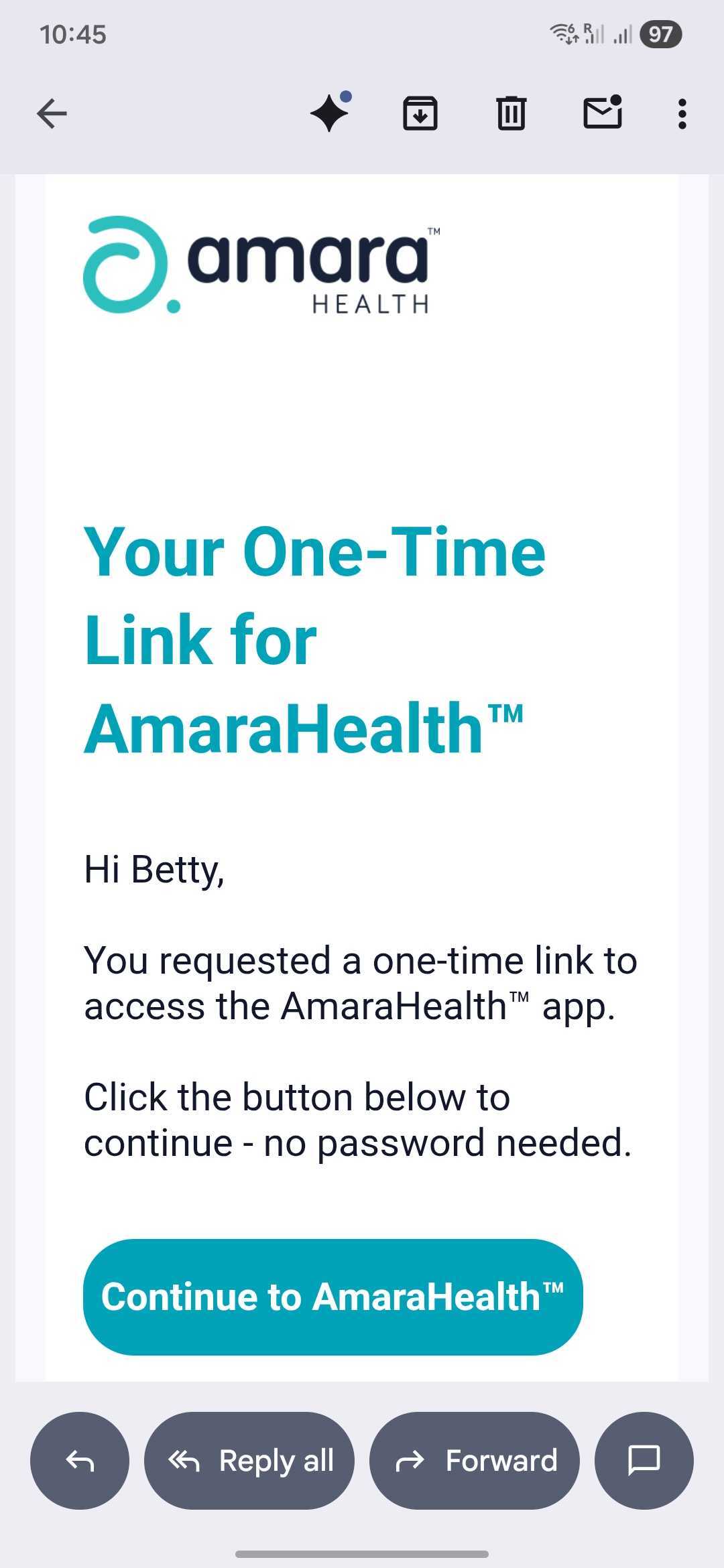
You can login either by clicking the 'Continue to AmaraHealth™' button or copying the 6 digit code, then going back to AmaraHealth™ app to enter the code and proceed.
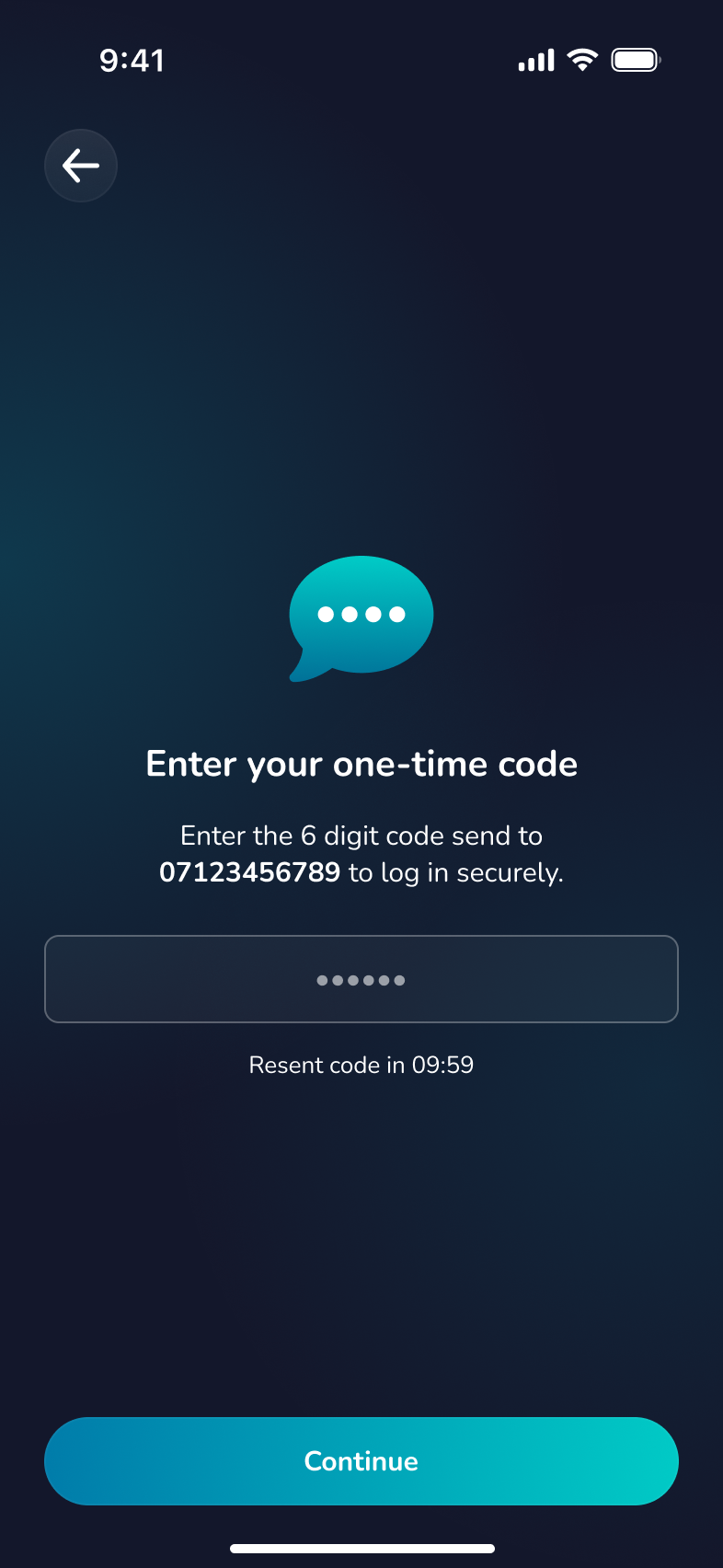
If you chose to login with your phone number you will be sent an SMS with the code which you can copy and paste directly into the app.
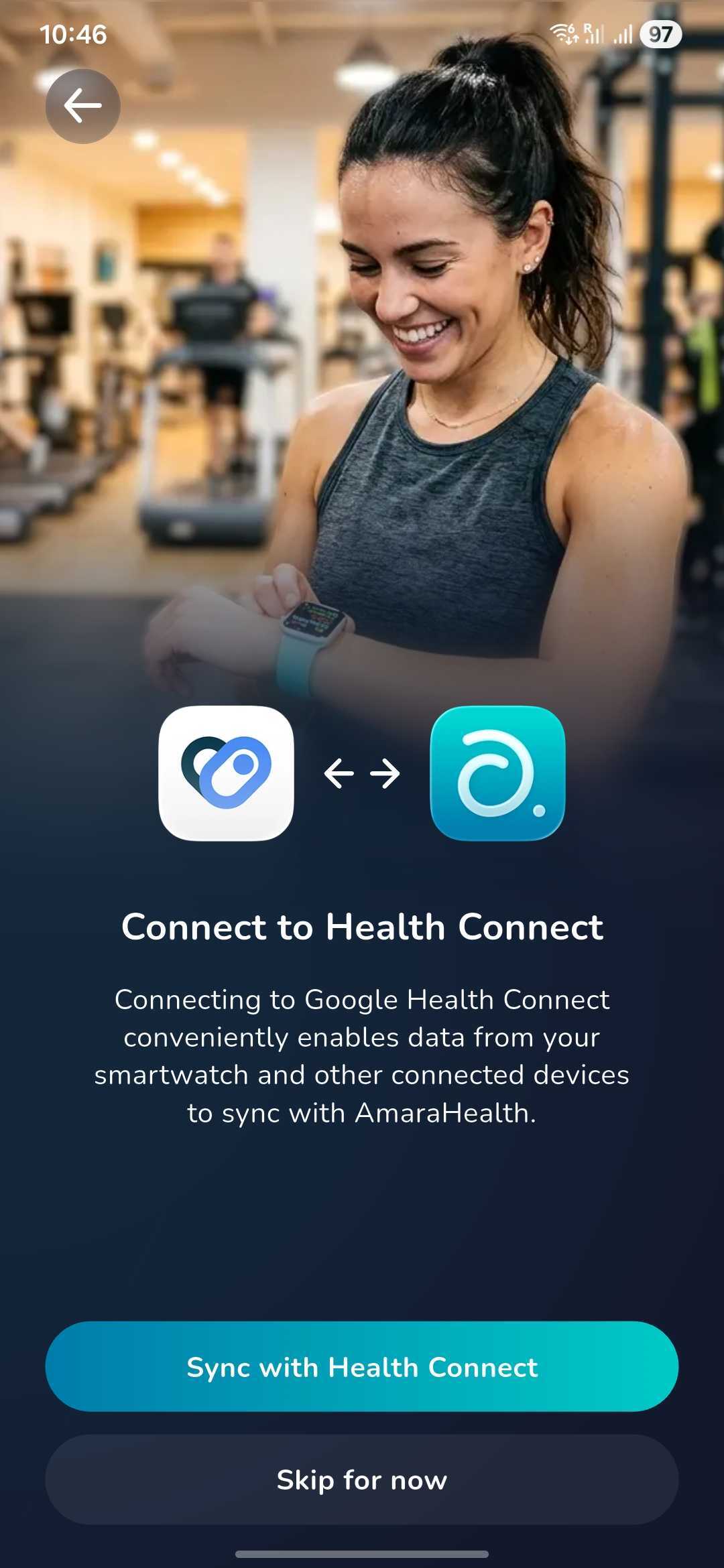
If you have not already done so, you will be asked if you would like to connect to your 'Health Connect' app ('Apple Health' if you have an iPhone) so that any data collected there is automatically pulled into your AmaraHealth™ account.
If you do not have either health app you can skip this step for now and the next time you login to your account you will be asked again.
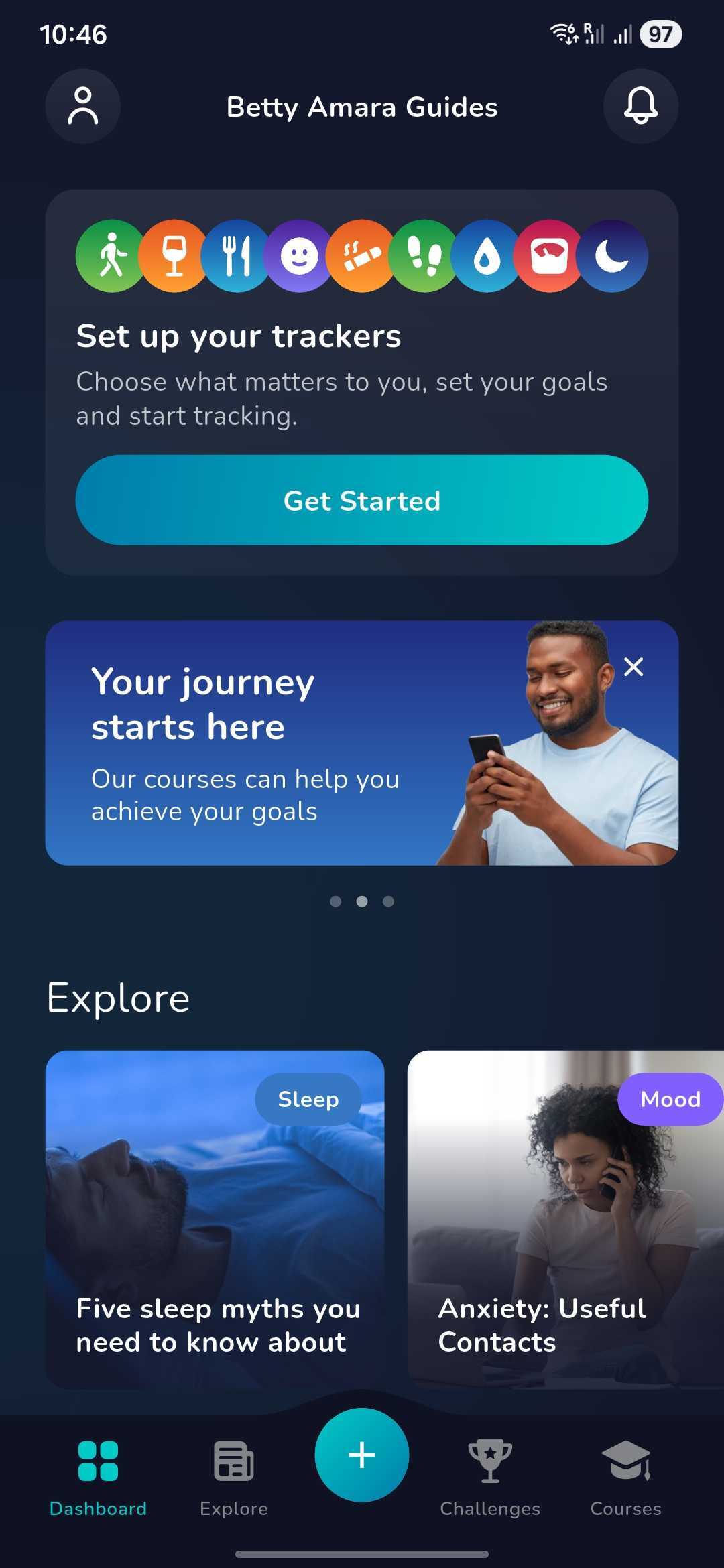
You have successfully logged in and can start using your AmaraHealth™!
Having troubles with loggin in? Please contact the AmaraHealth™ support team
for further assistance.
Was this article helpful?
That’s Great!
Thank you for your feedback
Sorry! We couldn't be helpful
Thank you for your feedback
Feedback sent
We appreciate your effort and will try to fix the article