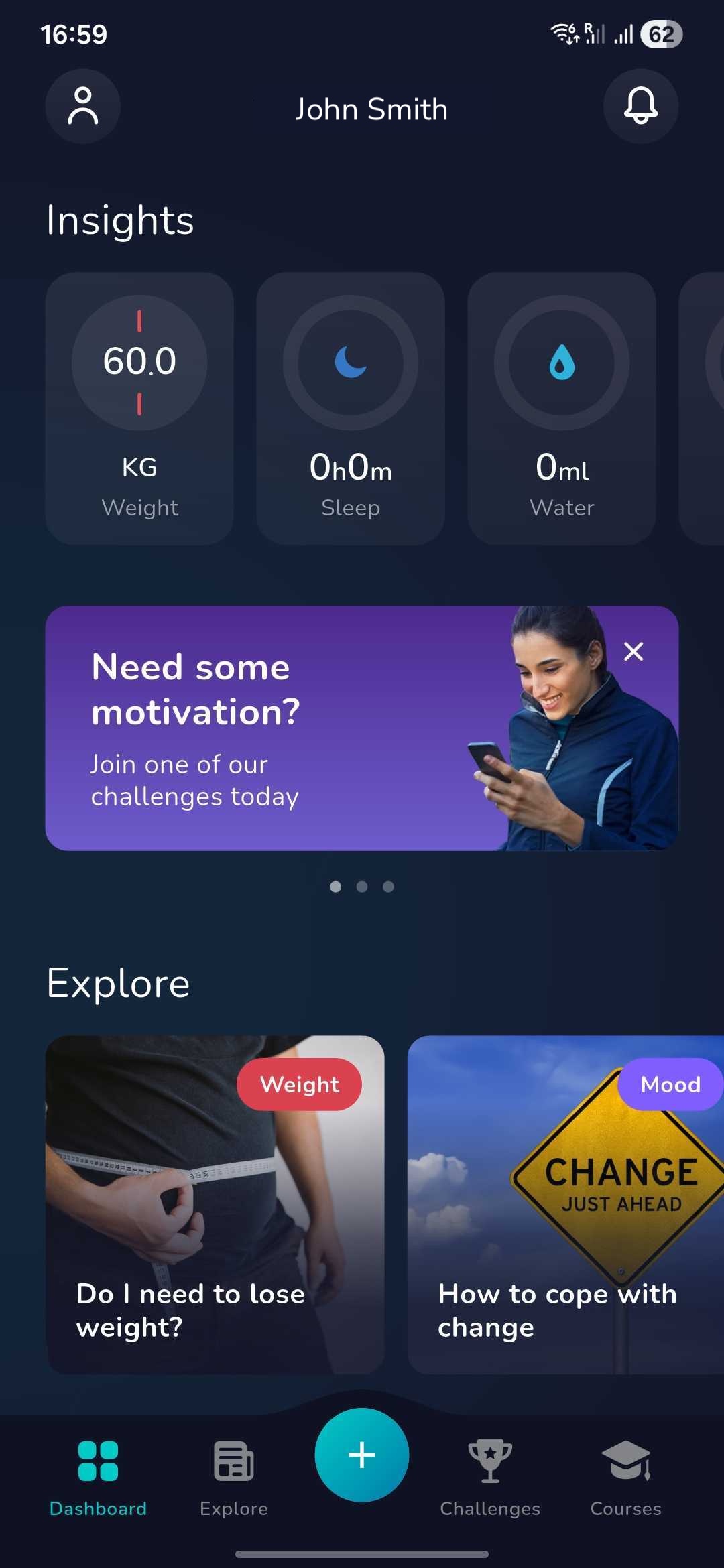
1. Once you have logged in click on the ‘Plus’ icon at the bottom of the dashboard screen
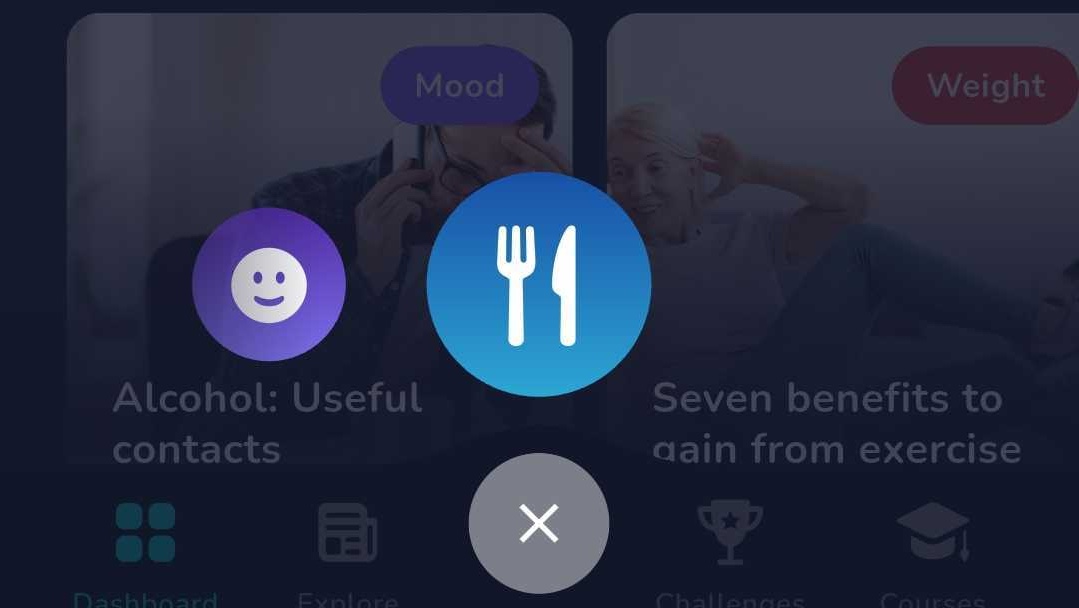
2. Now find the below icon by swiping left or right and click on this icon:
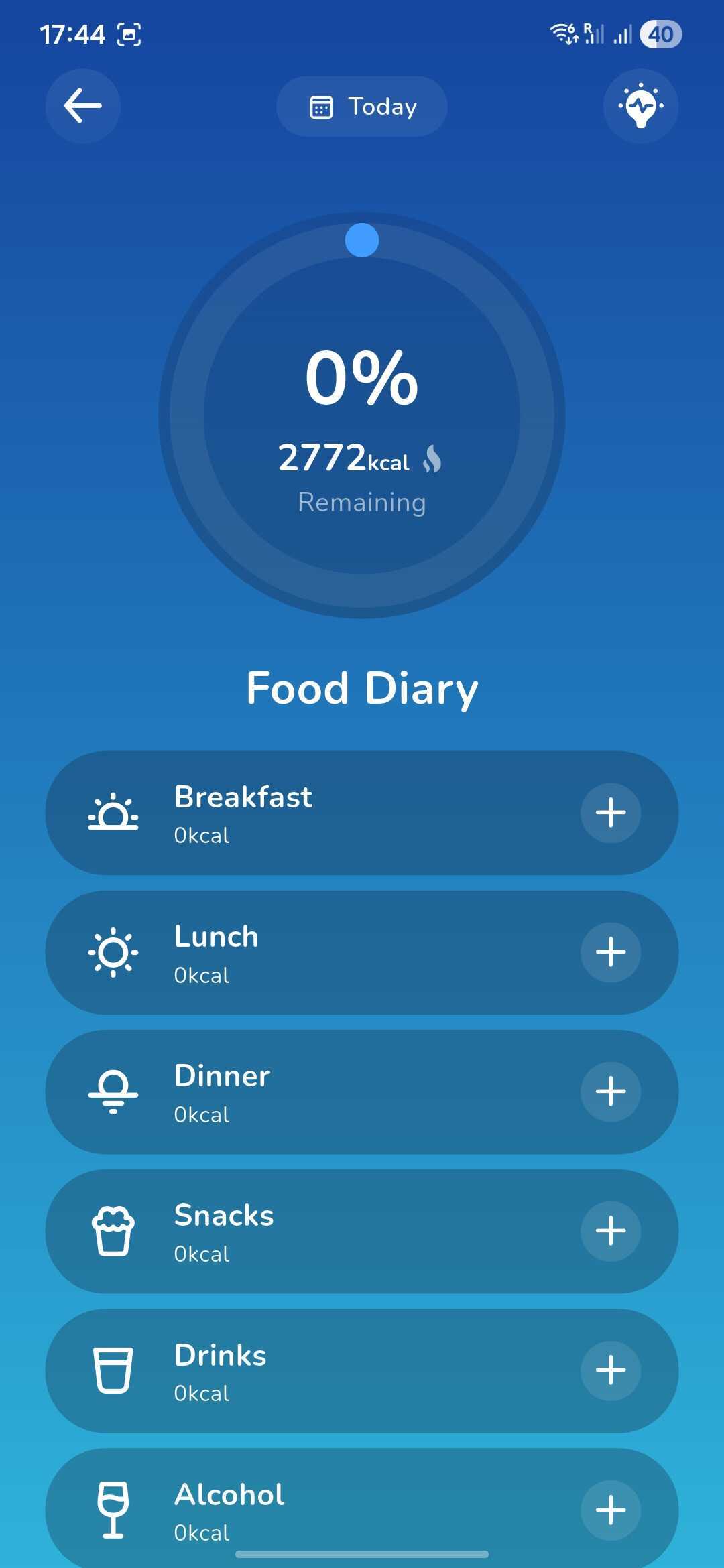
3. You will be taken to this page where you can log your food including the calories in the respective sections for breakfast, lunch, dinner, drinks and snacks.
4. To add food you can search for the food manually or use the 'barcode' scanner to quickly find the food you have consumed.
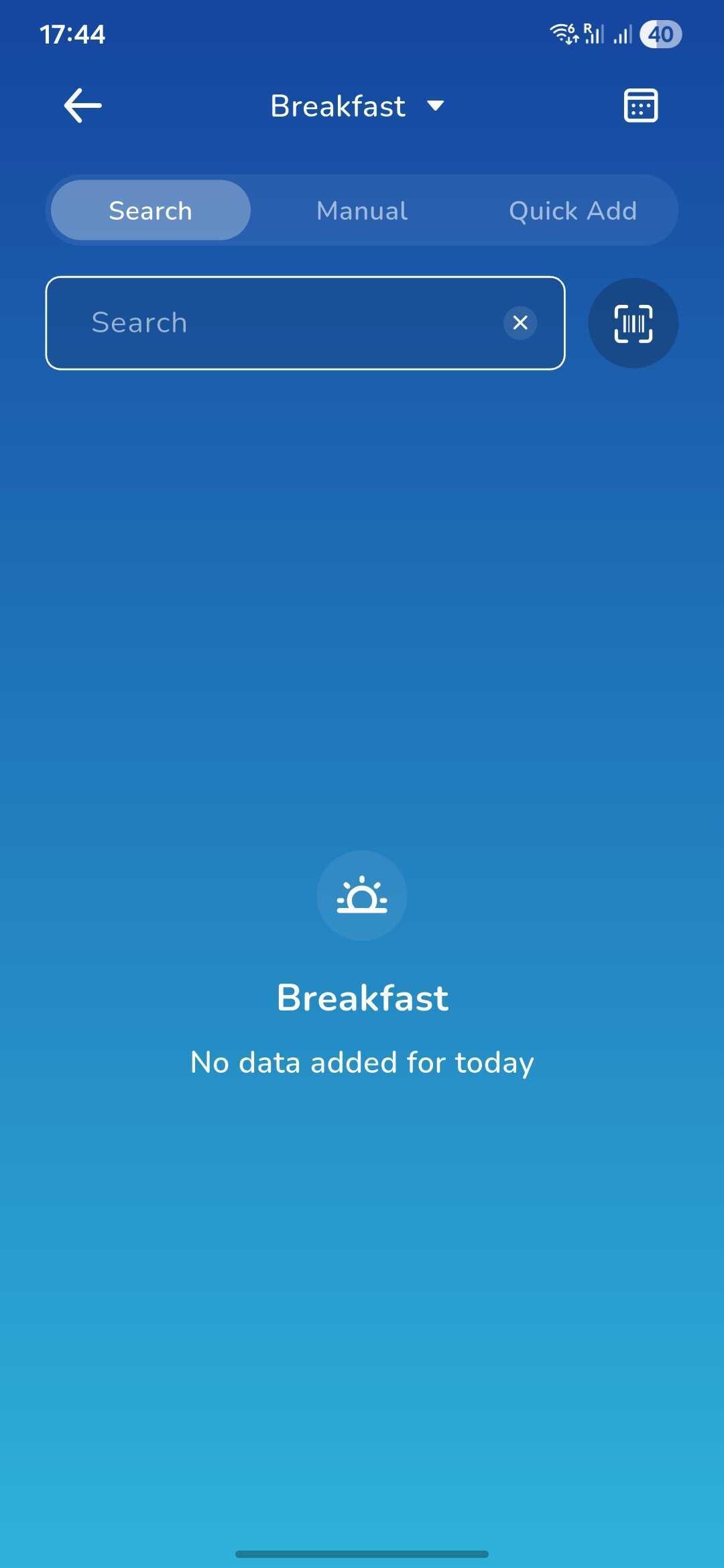
5. You can also add the food manually by inputting exactly what you ate (i.e. Sandwich, one half, 250g, 150kcal).
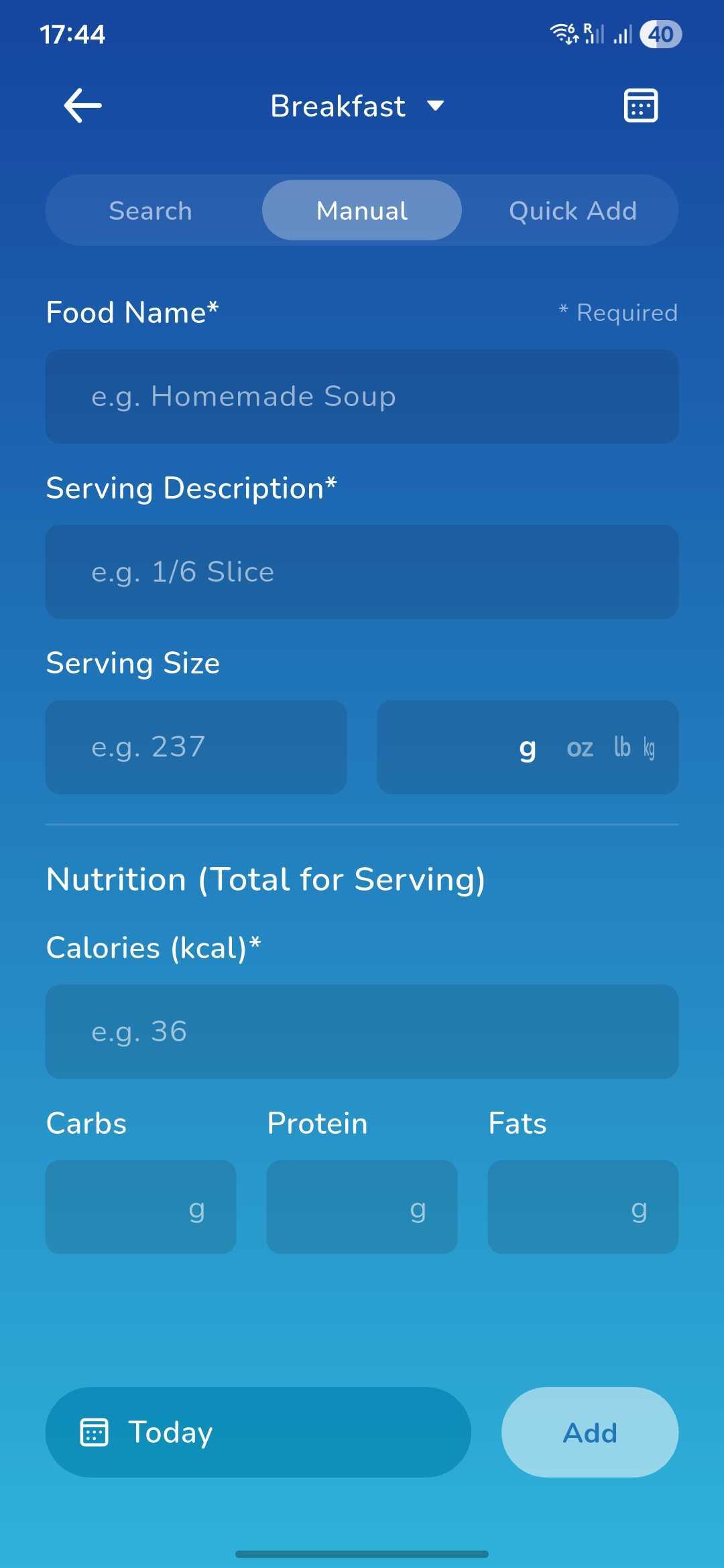
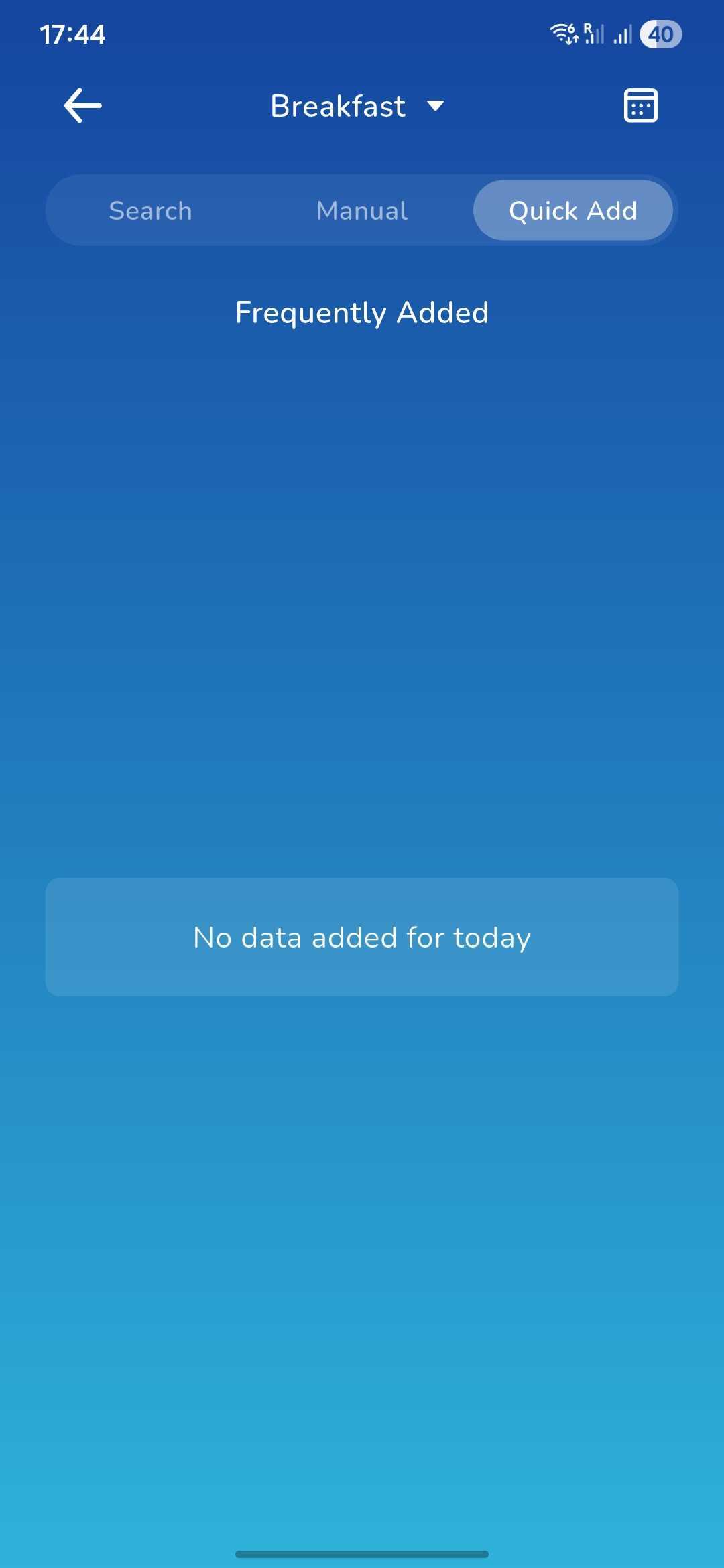
5. You will also find a 'Quick Add' option which will store any previously added food items that you would like to add again.
Was this article helpful?
That’s Great!
Thank you for your feedback
Sorry! We couldn't be helpful
Thank you for your feedback
Feedback sent
We appreciate your effort and will try to fix the article