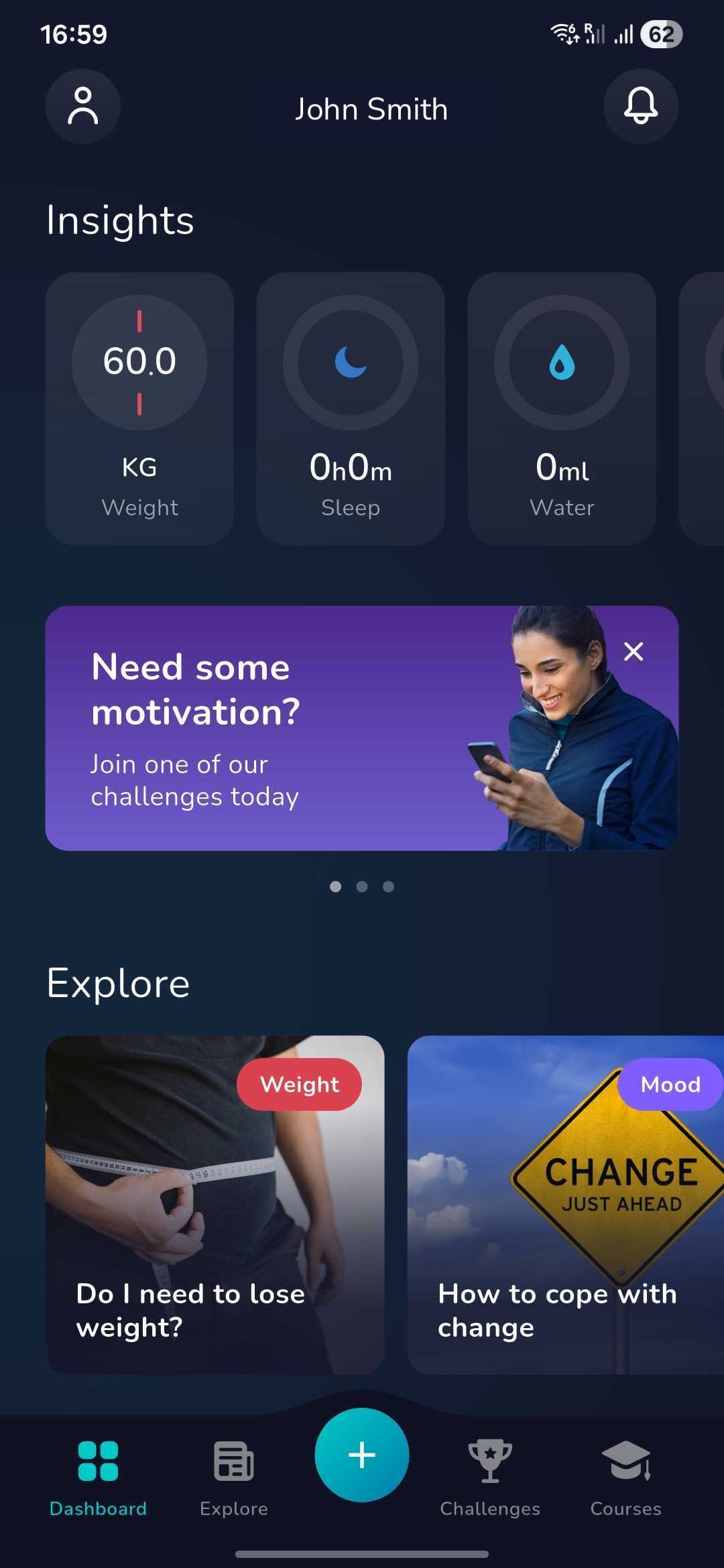
1. Once you have logged in click on the ‘Plus’ icon at the bottom of the dashboard screen
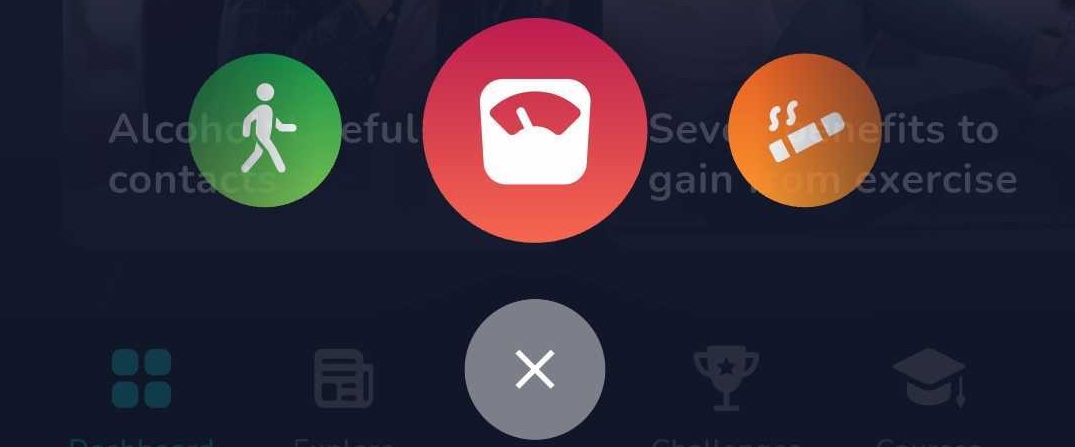
2. Now find the below icon by swiping left or right and click on this
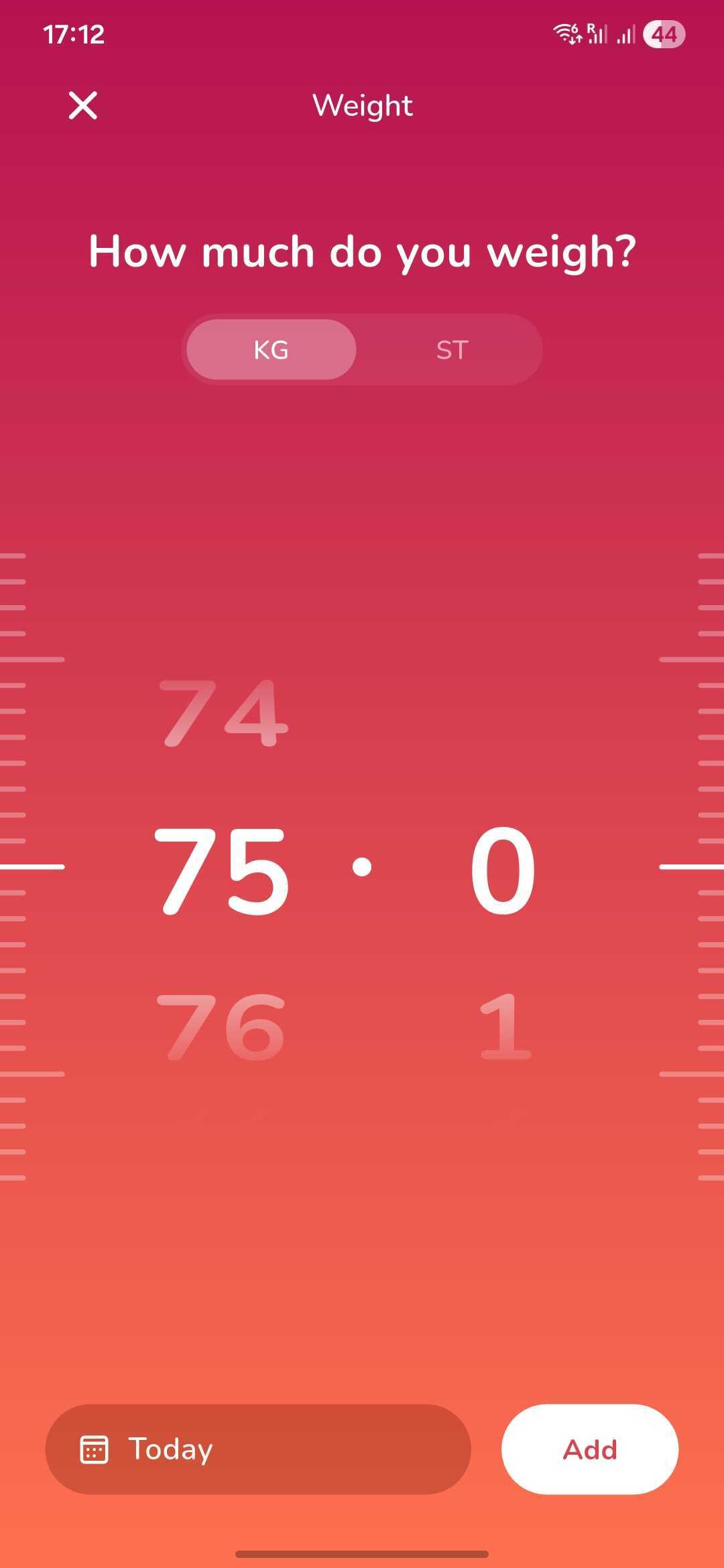
3. You will be taken to this page where you can log your weight in kilograms (KG) or stone (ST).
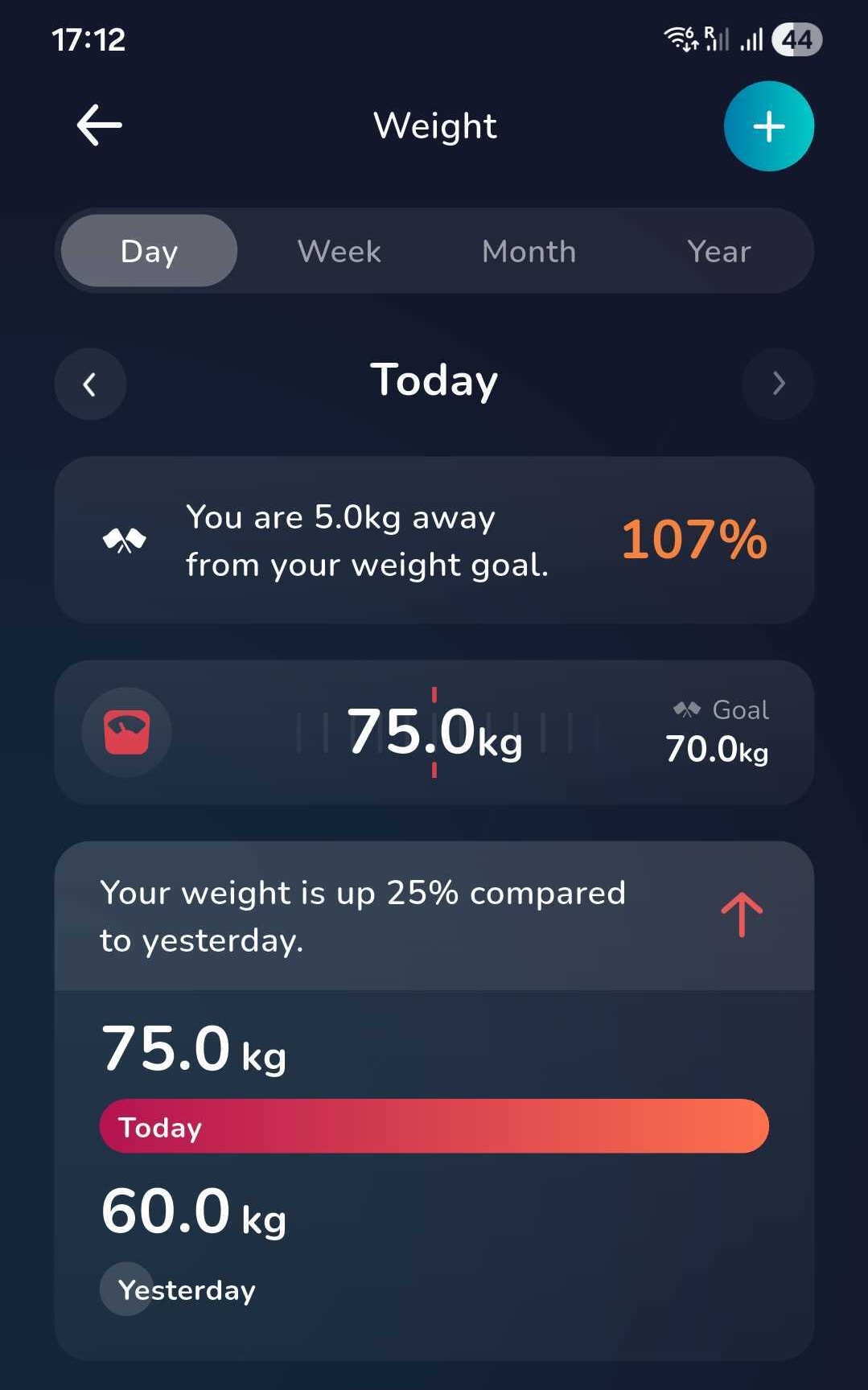
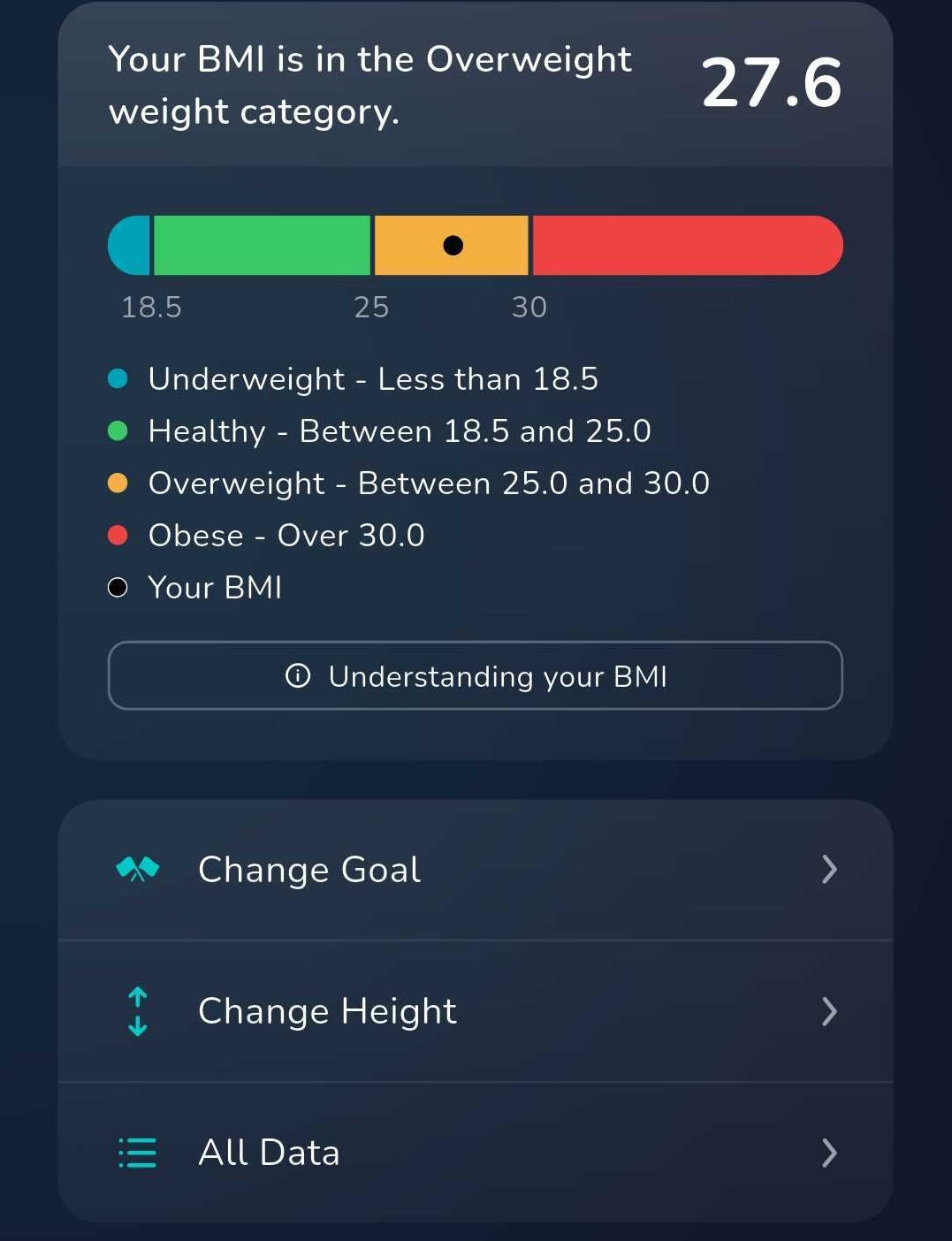
4. To view your insights click on the weight insight card from the dashboard. From here you can access all the data you have added over the last week, month and year.
5. To change your weight goal, scroll to the bottom of the insights page and click 'Change Goal'.
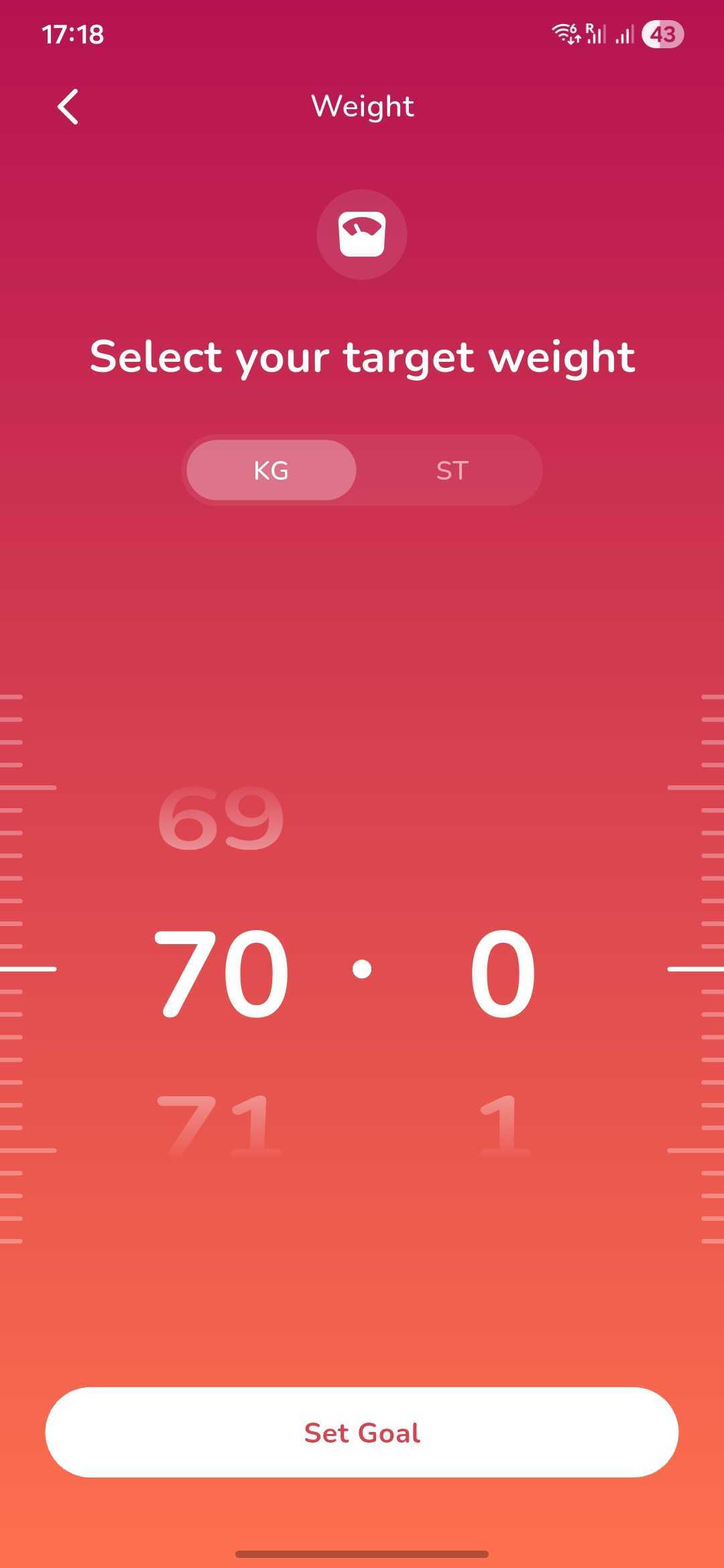
5. You can now set a new weight goal and click 'Set Goal' to update you tracker.
Was this article helpful?
That’s Great!
Thank you for your feedback
Sorry! We couldn't be helpful
Thank you for your feedback
Feedback sent
We appreciate your effort and will try to fix the article