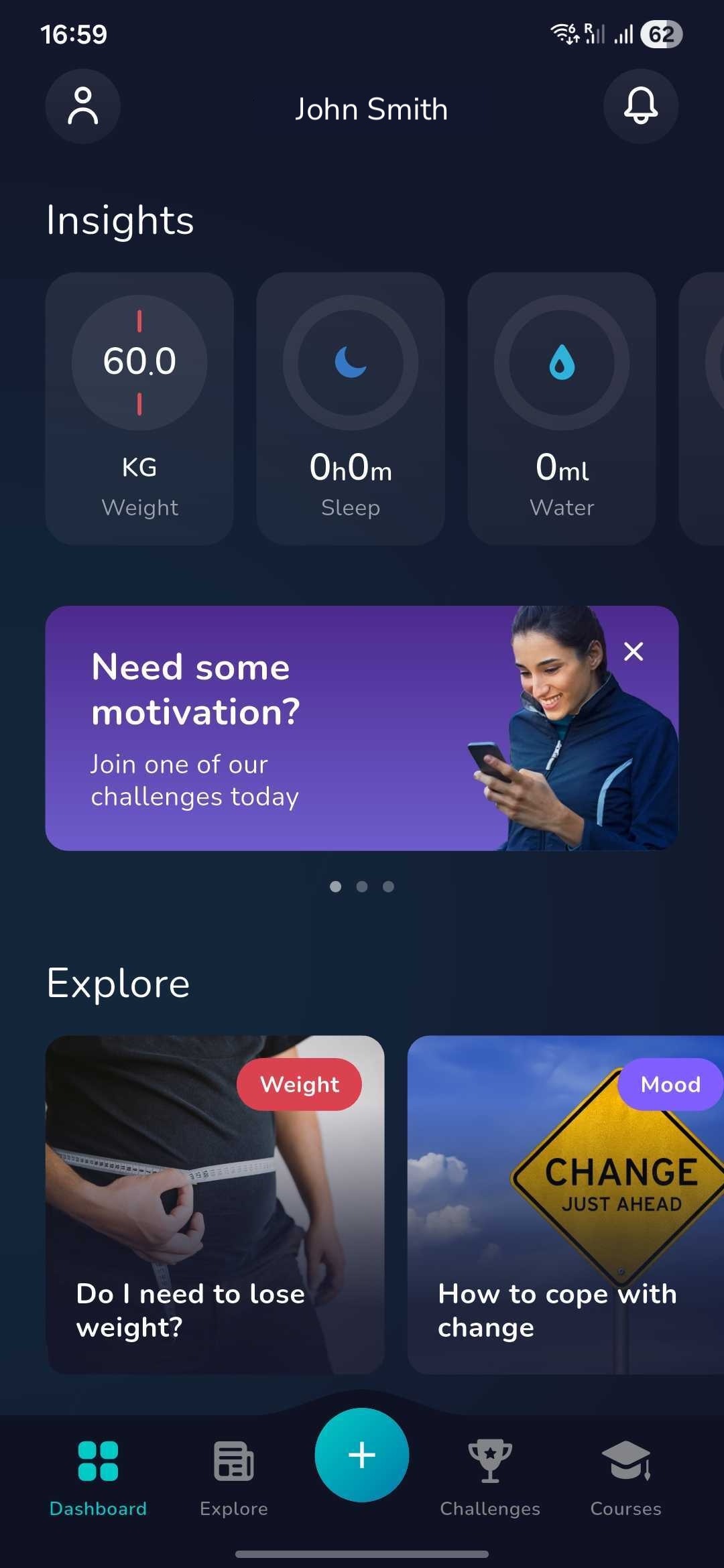
1. Once you have logged in click on the ‘Plus’ icon at the bottom of the dashboard screen
2. Now find the below icon by swiping left or right.
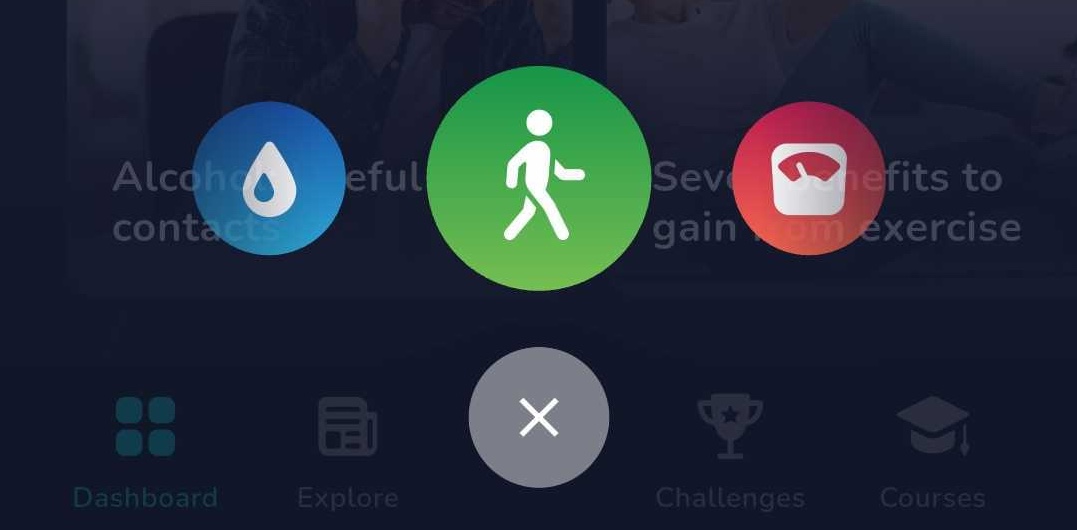
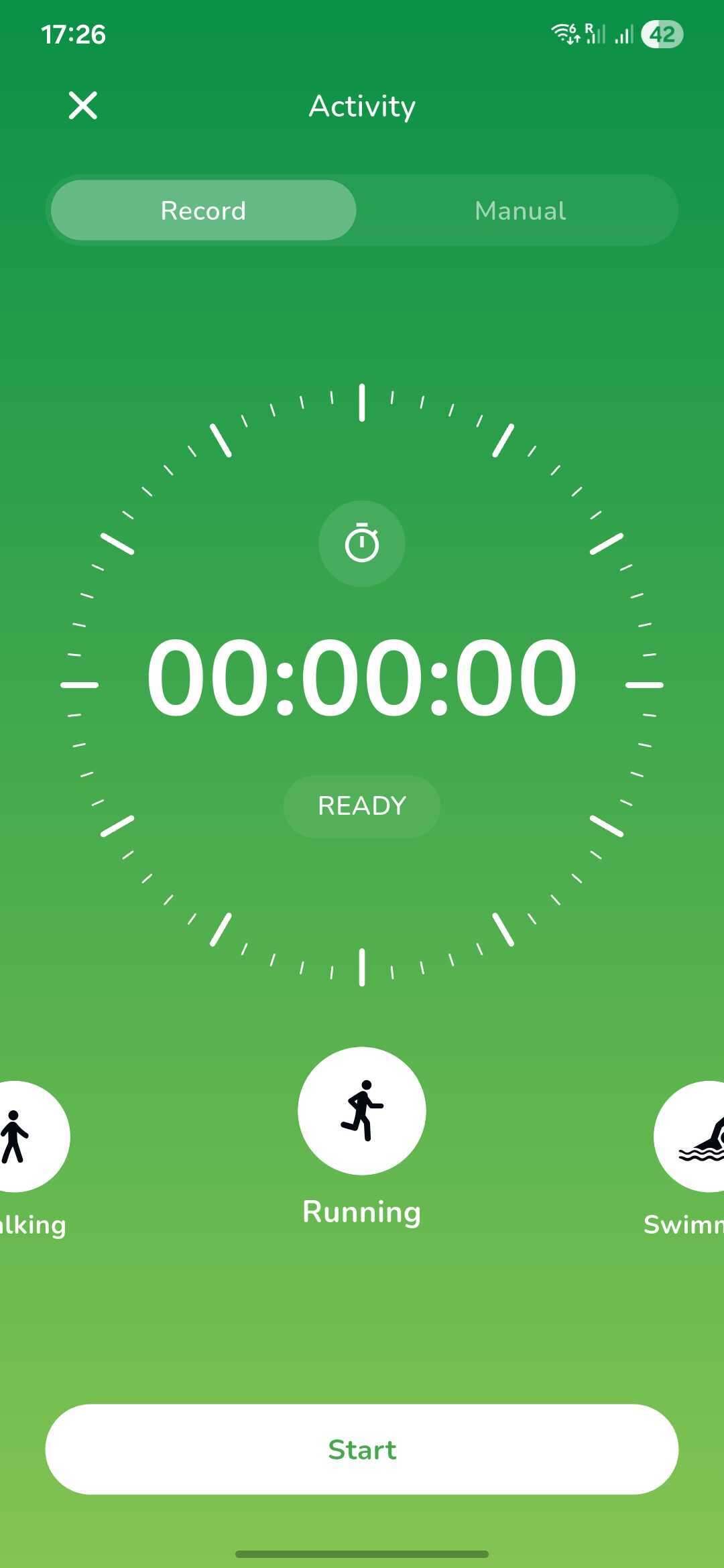
2. Click on this to log your activity automatically as you go using the record tab and swiping to choose which activity you are about to do (e.g. Running).
3. Alternatively, you can manually input the time of the activity after your session is completed. First select the type of activity you have completed and then set the time it took (in hours and minutes).
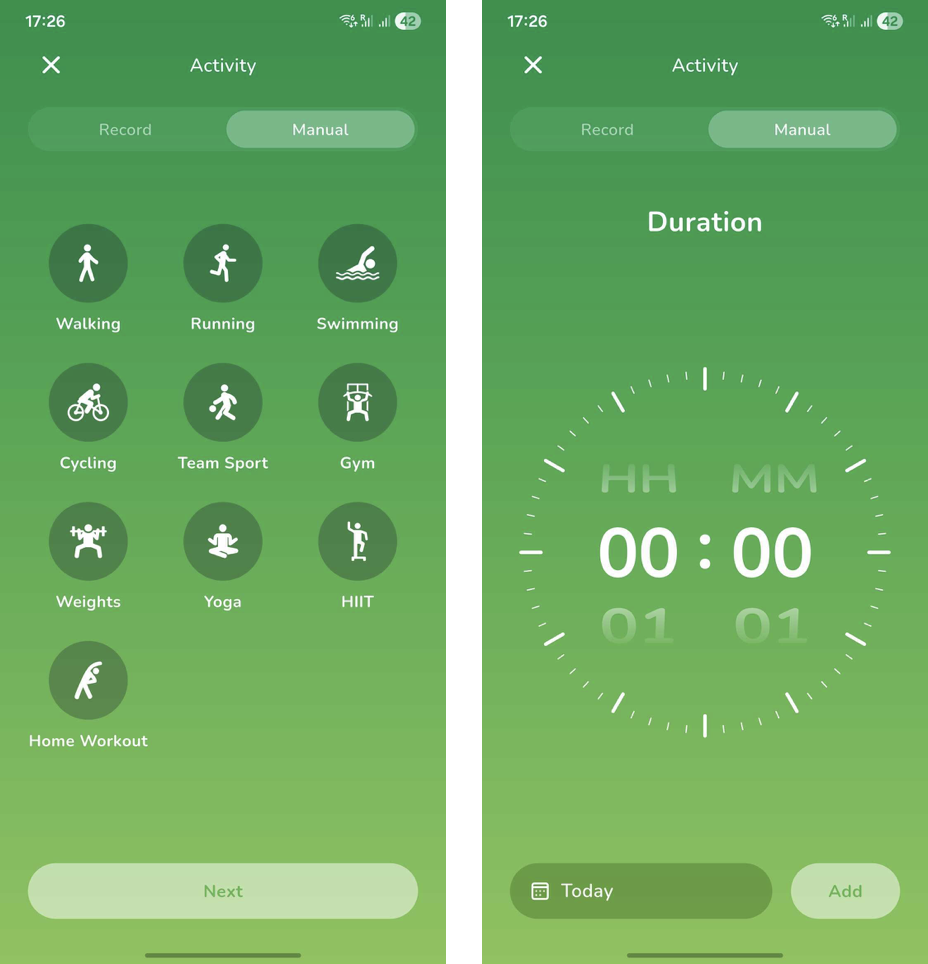
TIP: you can record an activity which was completed in the past clicking on 'Today' and selecting the date which you were last active to ensure no activity is missed!
Was this article helpful?
That’s Great!
Thank you for your feedback
Sorry! We couldn't be helpful
Thank you for your feedback
Feedback sent
We appreciate your effort and will try to fix the article