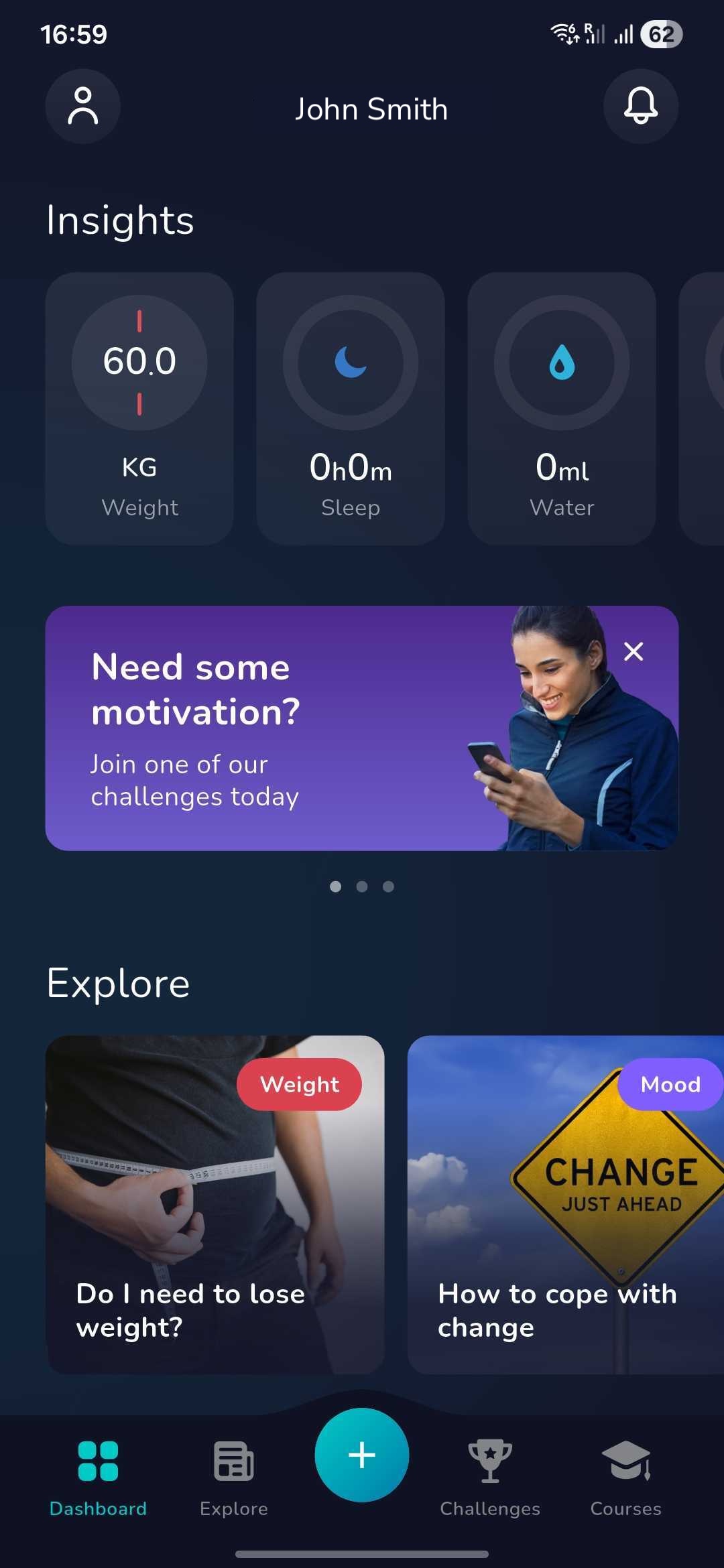
1. Once you have logged in click on the ‘Plus’ icon at the bottom of the dashboard screen.
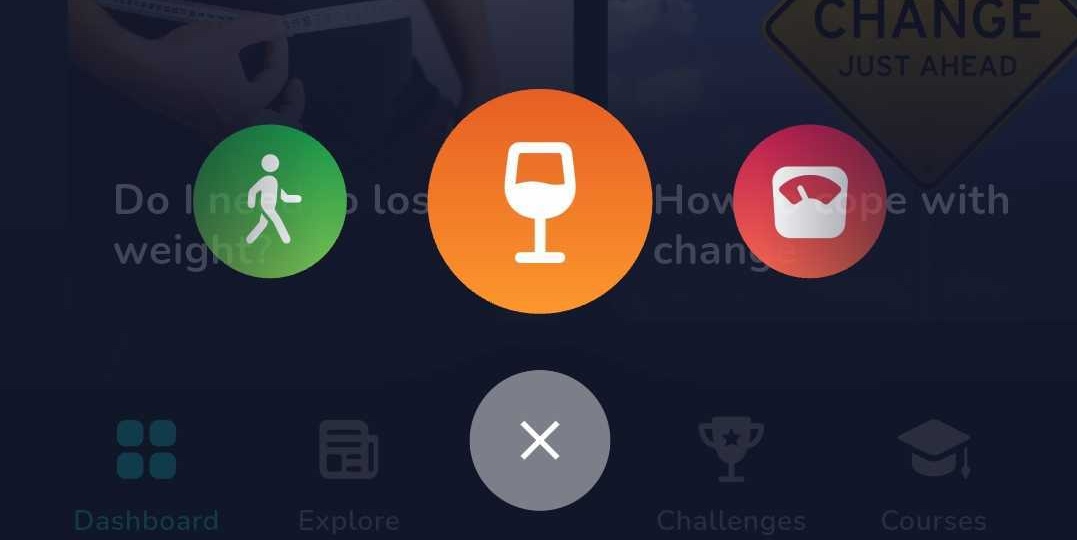
2. Now find the below icon by swiping left or right and click on this:
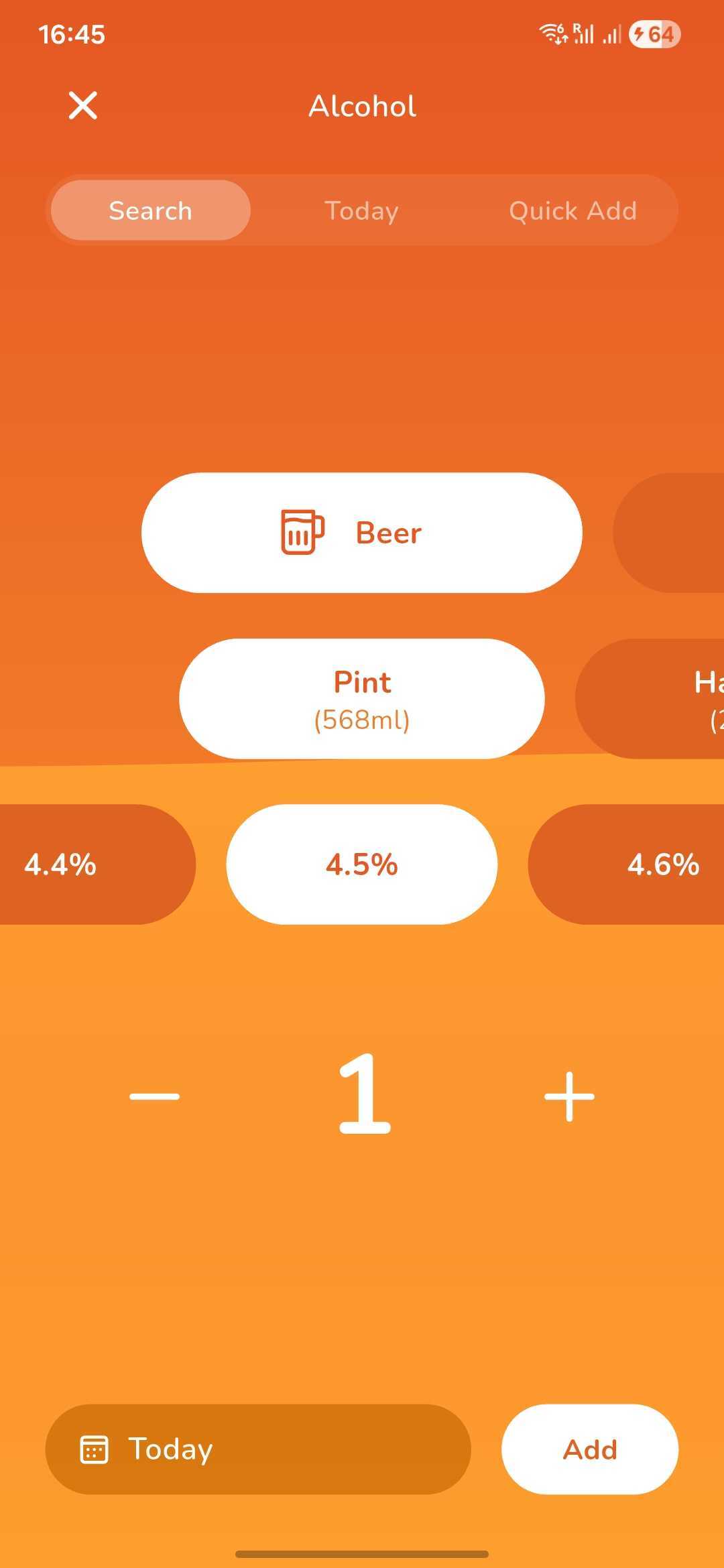
3. You can now log your alcohol consumption for the day by selecting the alcohol type, then the quantity followed by the ABV% and how many you had.
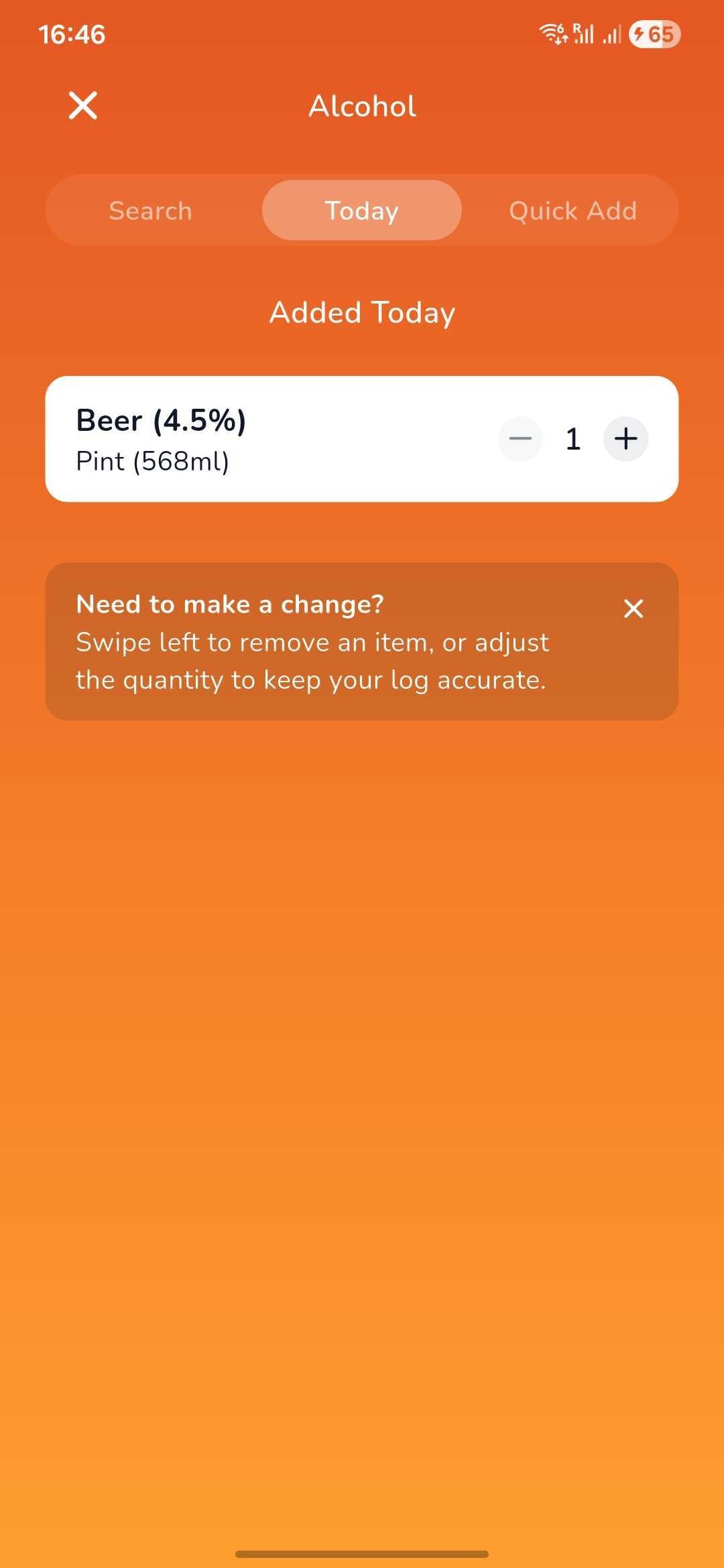
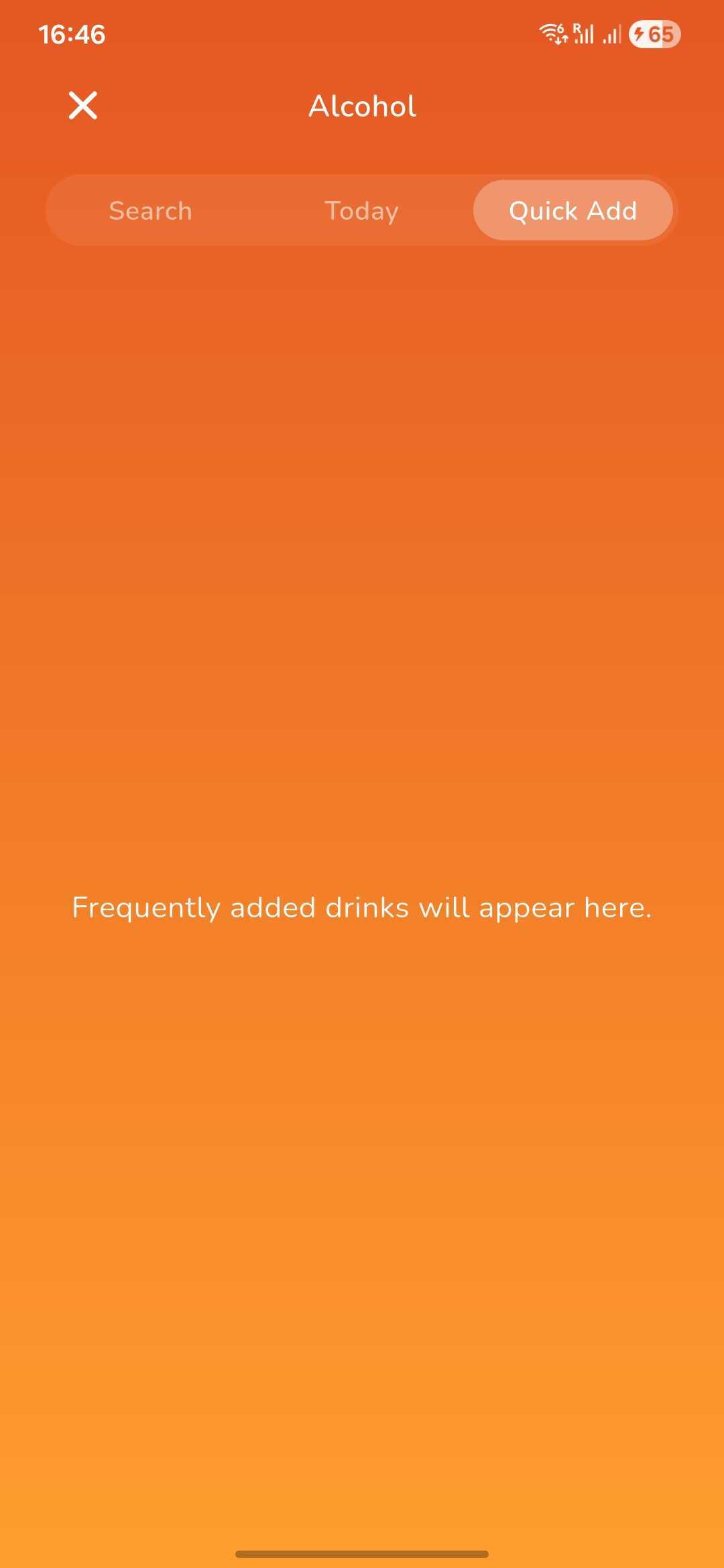
4. Once you have added a drink for today, you can then view it and easily add another in the 'Today' section.
5. Similarly, if you have a drink that is added frequently, you can use the 'Quick Add' section which will show you all the drinks that you consume regularly to add them instantly.
Was this article helpful?
That’s Great!
Thank you for your feedback
Sorry! We couldn't be helpful
Thank you for your feedback
Feedback sent
We appreciate your effort and will try to fix the article