1. Once you have logged in click on the ‘Plus’ icon at the bottom of the dashboard screen
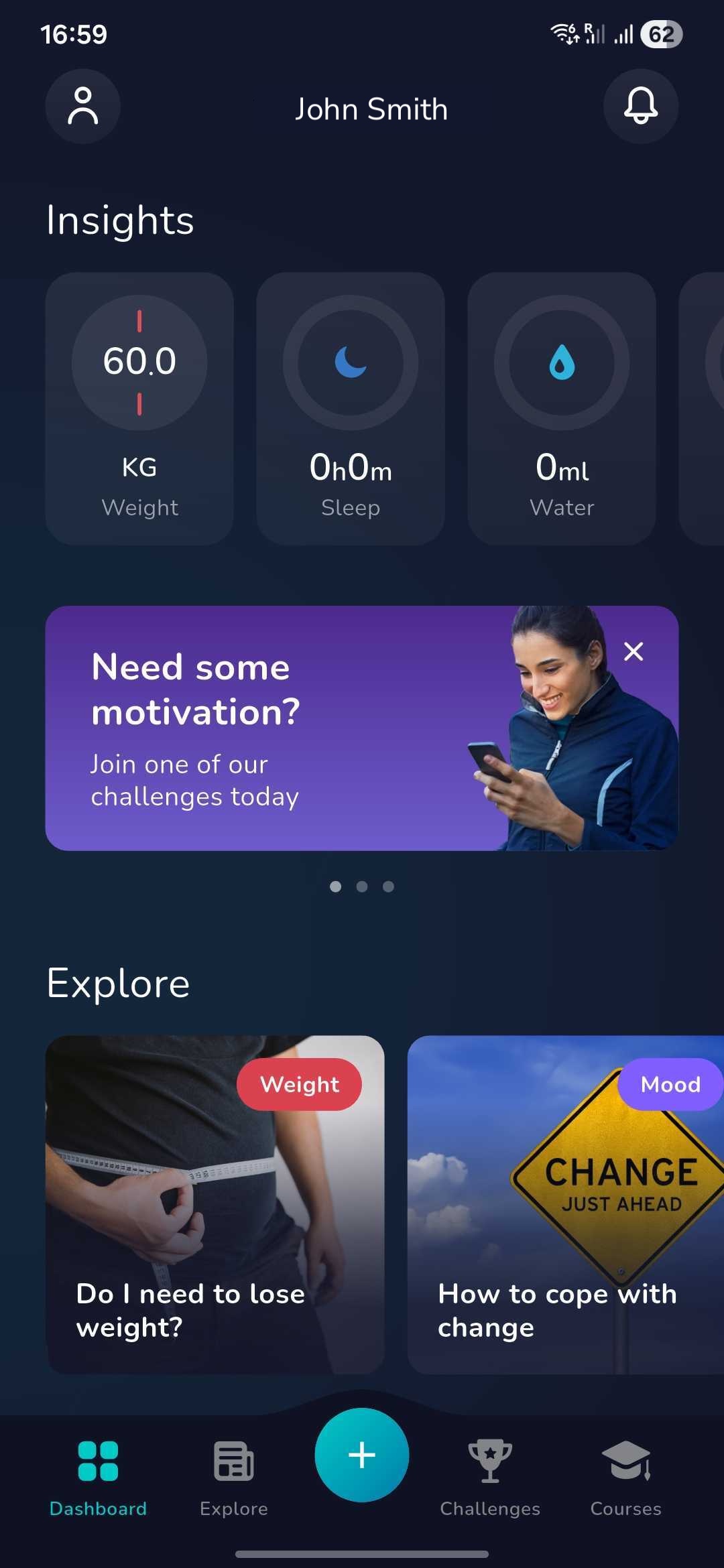
2. Now find the below icon by swiping left or right and click on this

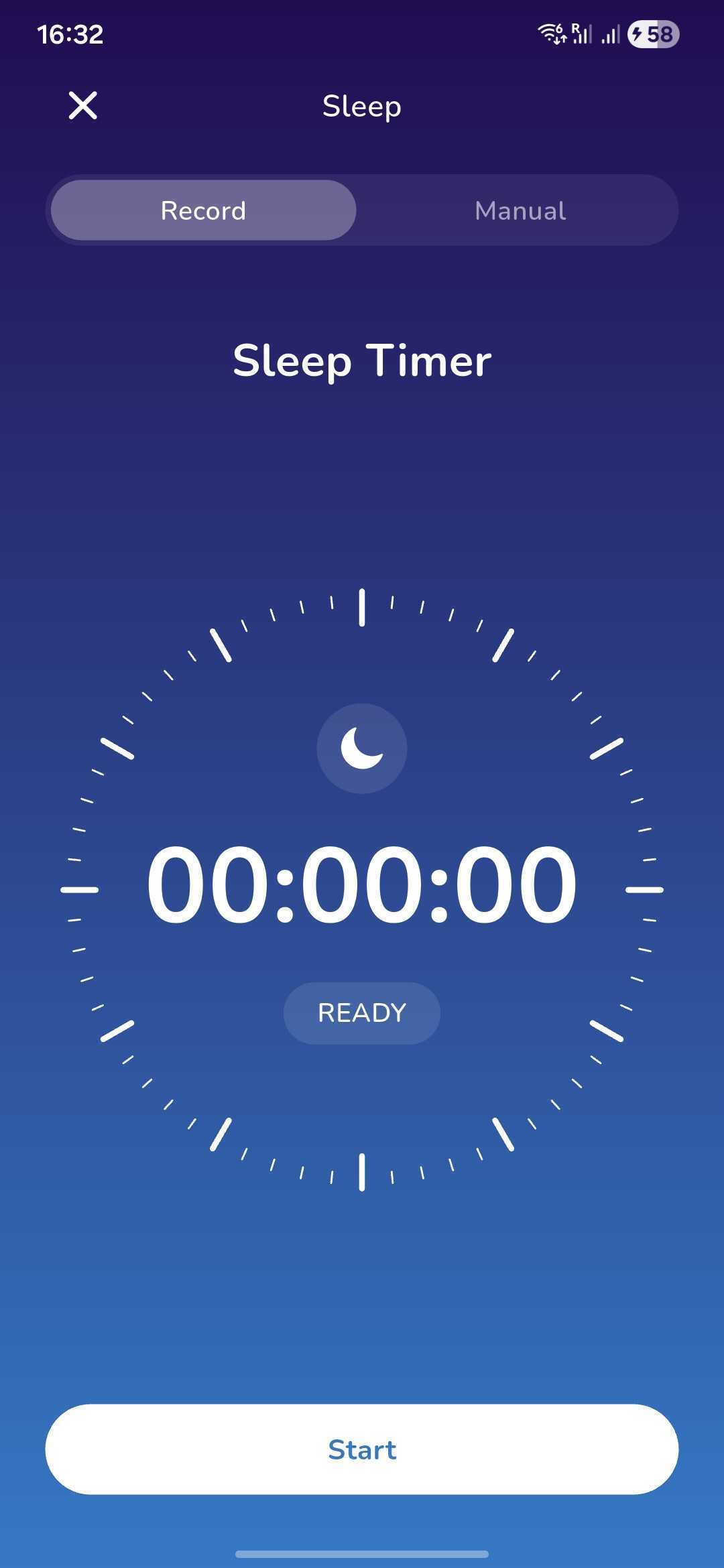
3. You can now choose to log your sleep by recording it as you sleep to get a more accurate measurement.
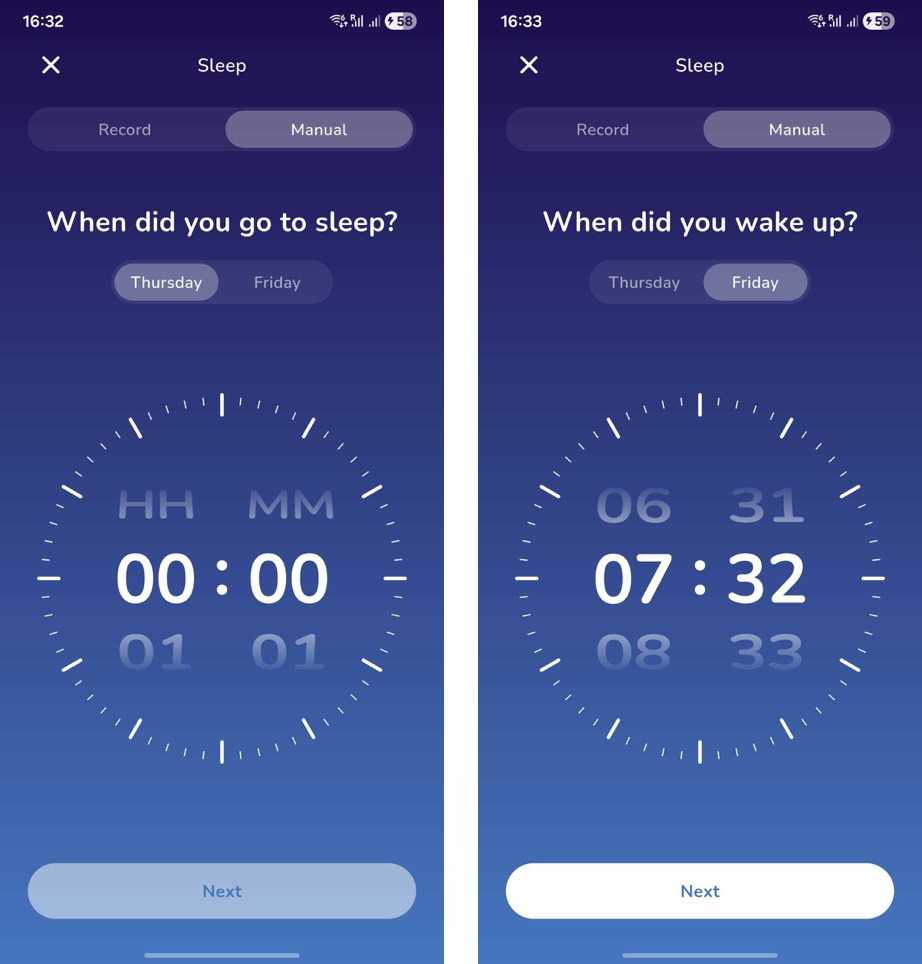
4. Alternatively, you can manually add your sleep the day after by adding the time you went to sleep and the time you woke up.
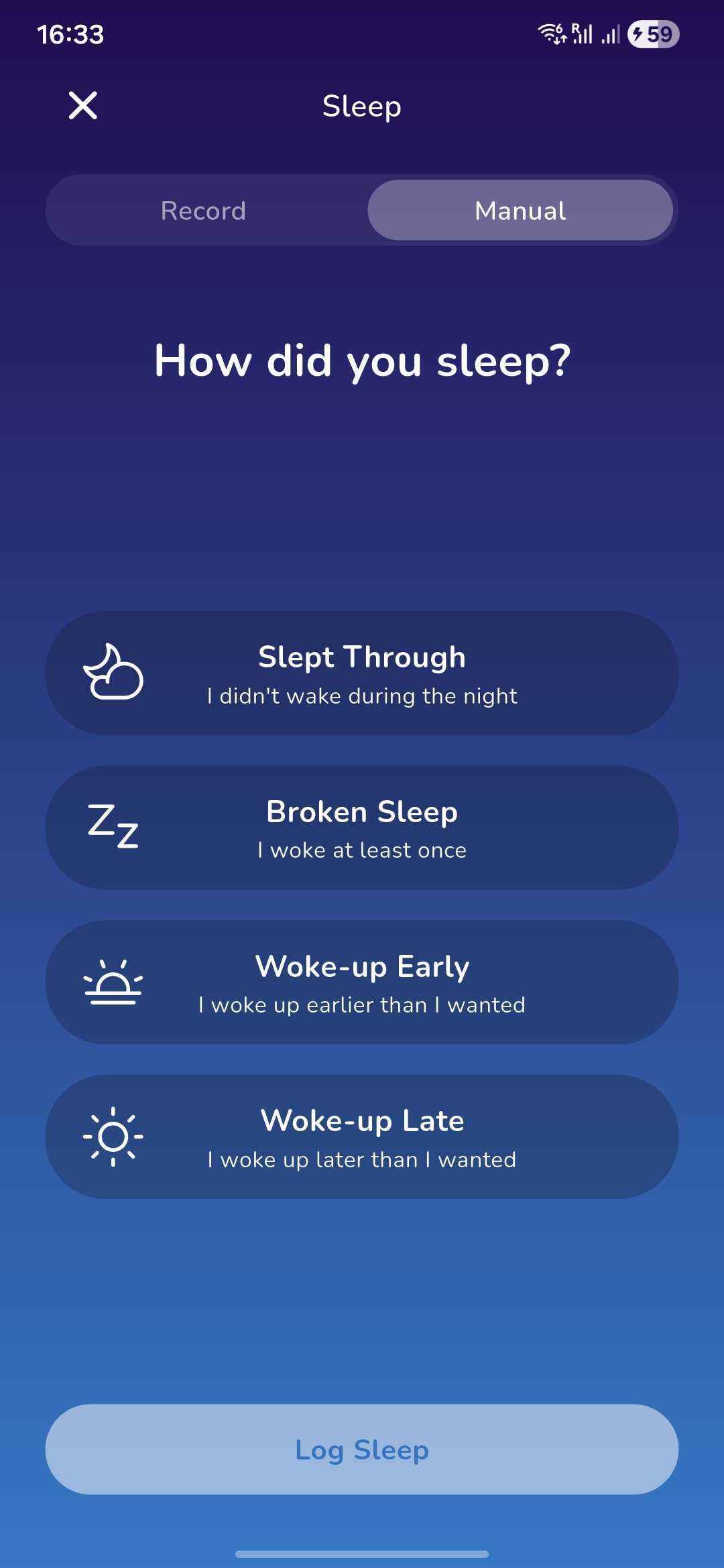
5. You will then be asked how your sleep was to give you further insight into what factors might be affecting your sleep.
Was this article helpful?
That’s Great!
Thank you for your feedback
Sorry! We couldn't be helpful
Thank you for your feedback
Feedback sent
We appreciate your effort and will try to fix the article